CS193/CS173/CS163 4-31
Additional copy operations
4
4.7.8 Setting the "Sound Setting" functions
With the Sound Setting functions, settings can be specified for the sounds that are produced, for example,
when a key is pressed.
The following Sound Setting functions are available.
As the factory default, "Medium" is selected for all operation sounds.
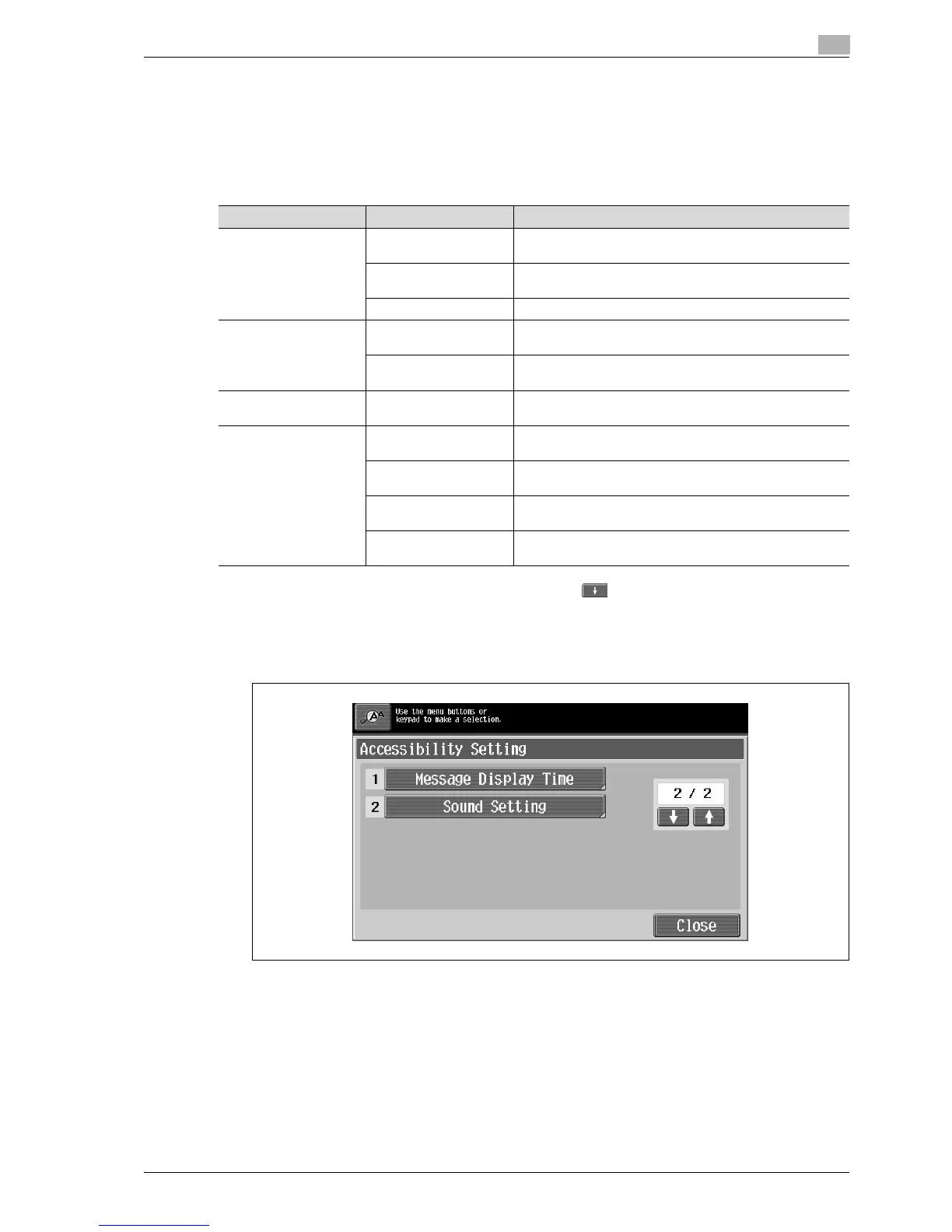
1 Display the Accessibility Setting screen, and then touch to display the next screen.
– For details on displaying the Accessibility Setting screen, refer to "Displaying the Accessibility
Setting screen" on page 4-21.
2 Touch [Sound Setting] or press the [2] key in the keypad.
The Sound Setting screen appears.
Operation Confirmation Sound
Operation Confirmation
Sound
Input Accept Sound When pressing a key in the control panel or a button on the
touch panel
Invalid Input Sound When incorrectly pressing a key in the control panel or a but-
ton on the touch panel
Basic Sound When switching settings and the default setting is selected
Successful Completion
Sound
Completed Operation
Sound
When an operation is completed successfully
Completed Transmis-
sion Sound
When a communication operation is completed successfully
Completed Preparation
Sound
When a device has finished setting up
Caution Sound Simple Caution Sound
(Level 1)
When it is almost time to replace supplies or a replaceable
part and a message appears in the touch panel
Simple Caution Sound
(Level 2)
When a user has performed an operation incorrectly
Simple Caution Sound
(Level 3)
When an error occurs that can be corrected by the user by re-
ferring to the message that appeared or the user manual
Service Caution Sound When an error occurs that cannot be corrected by the user or
requires a service representative



 To Next Page