4
Additional copy operations
4-32 CS193/CS173/CS163
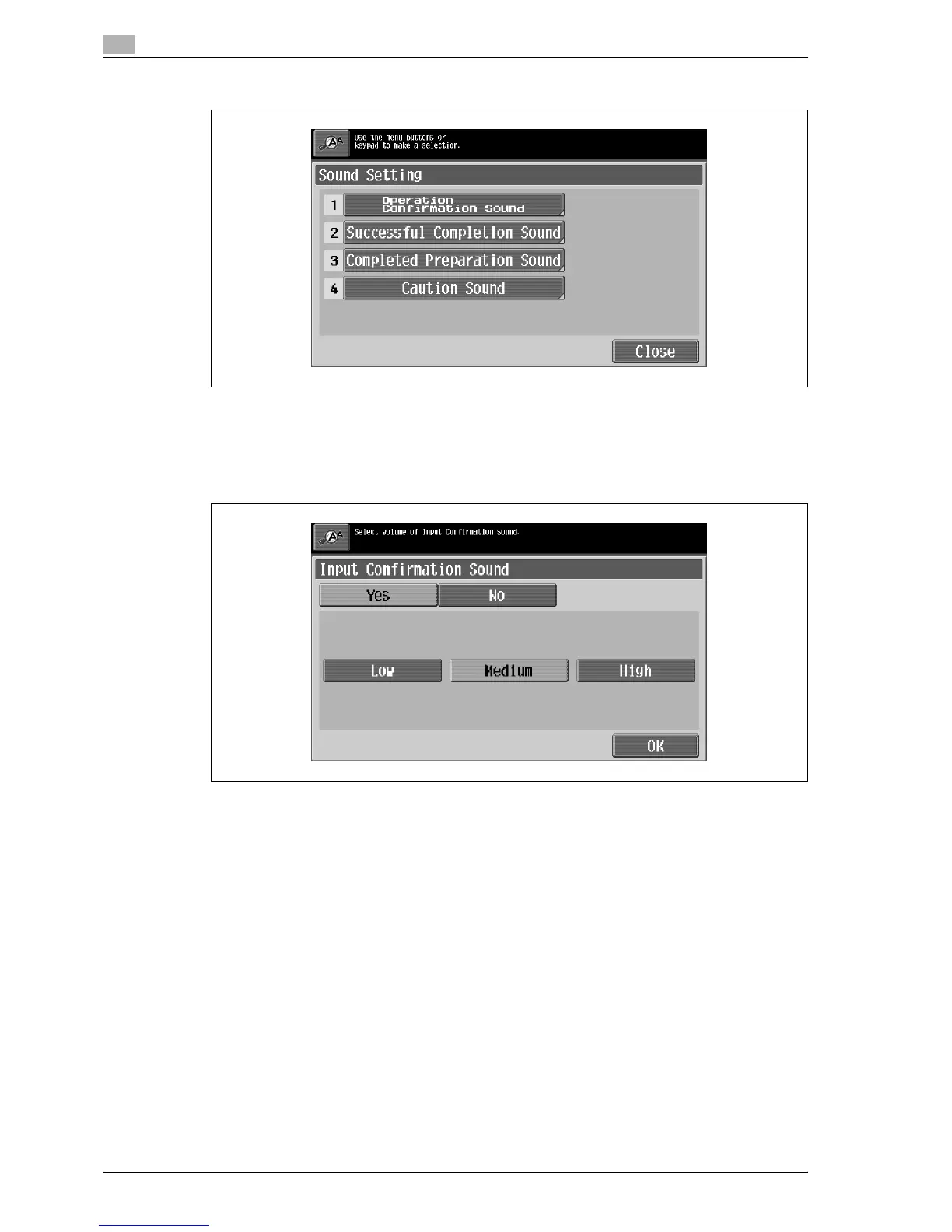
3 Touch the button or press the key in the keypad for the Sound Setting function to be set.
The Sound Setting screen appears.
4 Specify the sound setting.
– To produce a sound, touch [Yes], and then touch [Low], [Medium] or [High]. To not produce a sound,
touch [No].
– To cancel changes to the settings, press the [Reset] key. All changes to the settings are canceled.
5 Touch [OK].
The Sound Setting screen appears again.
6 Touch [Close].
The Accessibility Setting screen appears again.
7 Touch [Close] or press the [Accessibility] key.
The Basic screen appears again.



 To Next Page