12
Utility mode
12-14 CS193/CS173/CS163
12.2.4 Displaying the destination registration screen
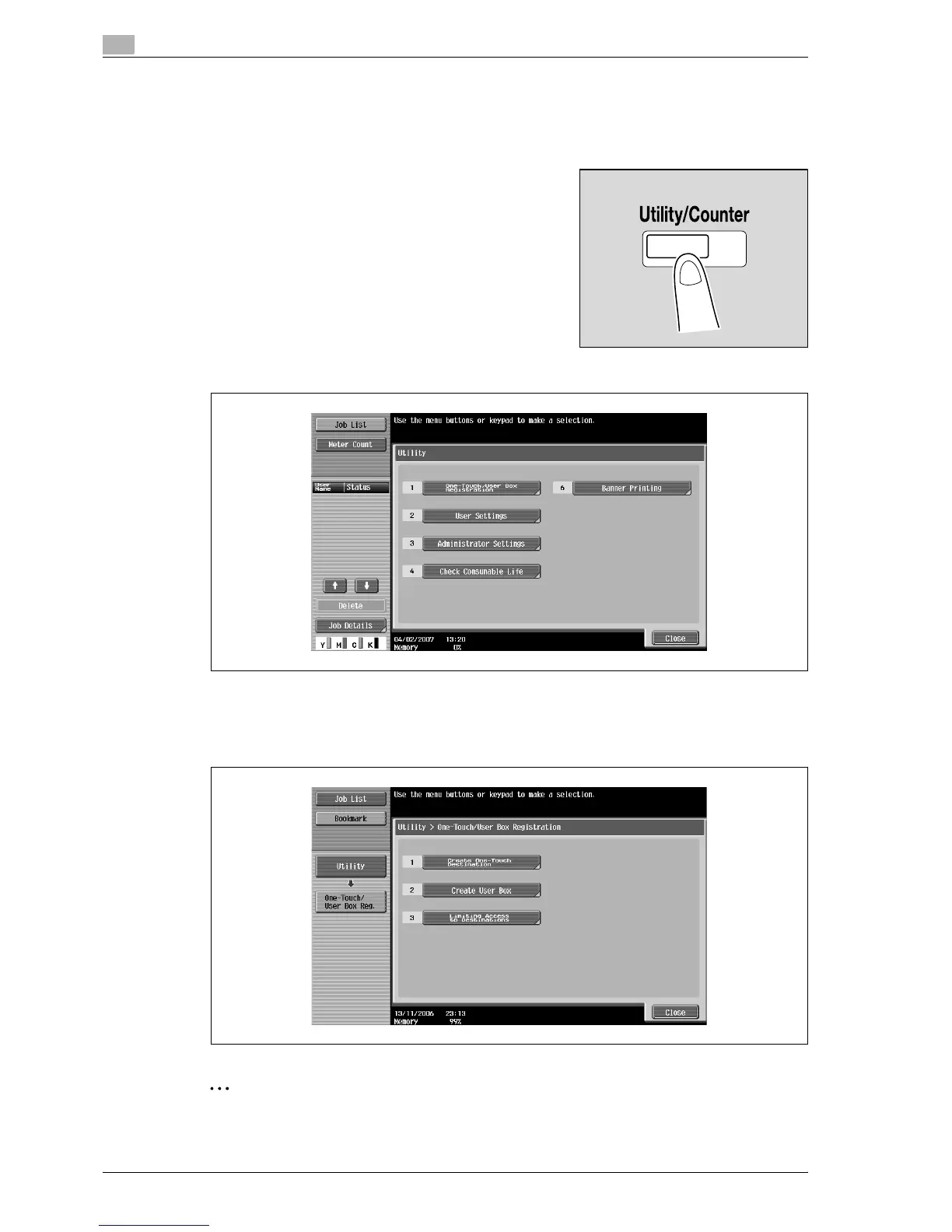
Follow the procedure described below to display the One-Touch/User Box Registration screen by pressing
[Utility/Counter] key.
1 Press the [Utility/Counter] key.
2 Touch [1 One-Touch/User Box Registration].
– An item can also be selected by pressing the key in the keypad for the number beside the desired
button.
For [1 One-Touch/User Box Registration], press the [1] key in the keypad.
The One-Touch/User Box Registration screen appears.
2
Note
To finish specifying settings in the Utility mode, press the [Utility/Counter] key. Otherwise, exit the Utility
mode by touching [Close] in each screen until the screen for the Copy, Fax/Scan or Box mode appears.



 To Next Page