CS193/CS173/CS163 12-13
Utility mode
12
6 Touch the button for the desired setting.
– Both an access permission level and an access permission group can be specified for each user.
– A single user can be registered in multiple access permission groups.
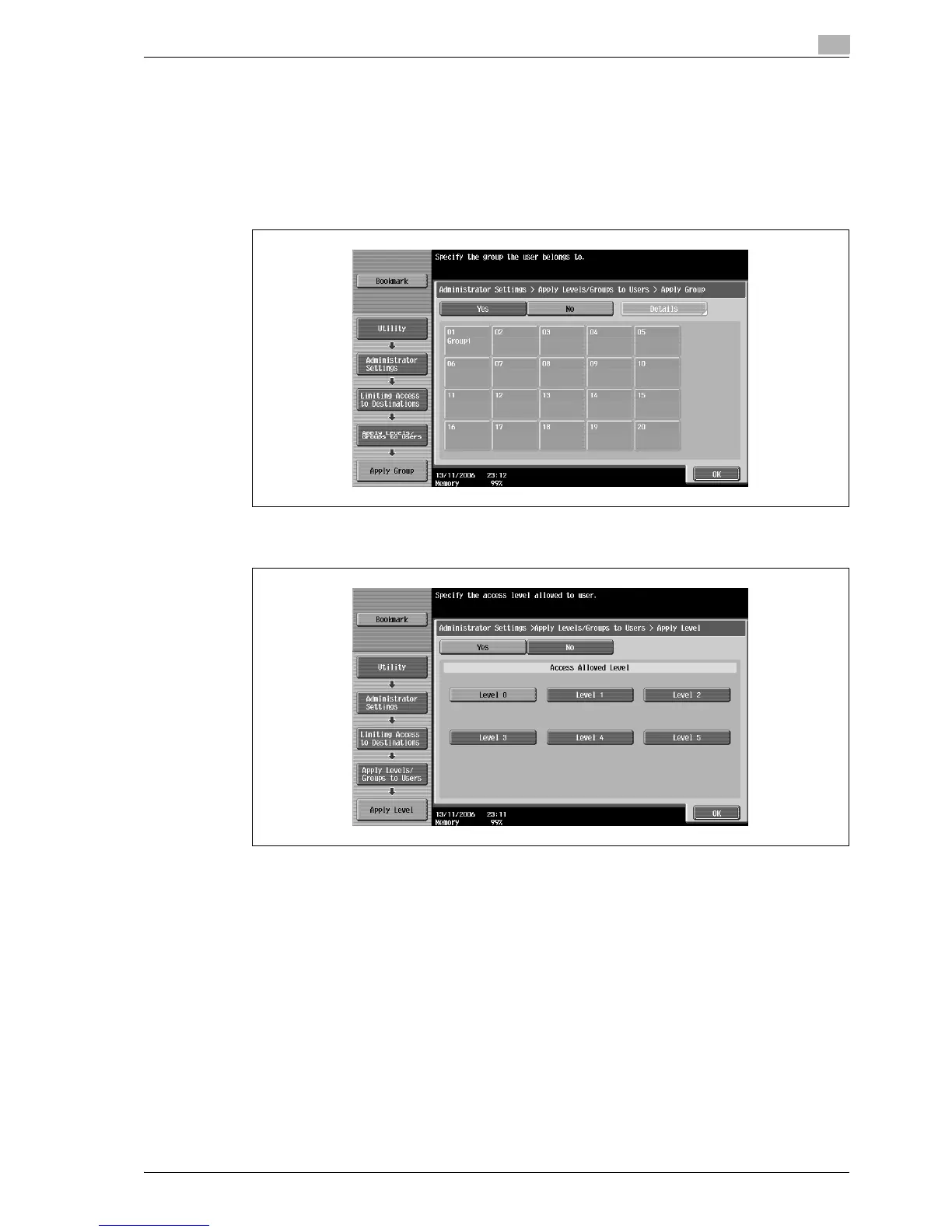
– [Apply Group]. Touch [Yes], touch the button for the desired group, and then touch [OK].
– To specify the user group, touch [Apply Group]. Touch [Yes], touch the button for the desired group,
and then touch [OK].
– Touch the button for a group, touch [Details], and then check the destinations and names of users
belonging to that group.
– To specify the user level, touch [Apply Level]. Touch [Yes], touch the button for the desired level,
and then touch [OK].



 To Next Page