CS193/CS173/CS163 3-83
Basic copy operations
3
3.16 Temporarily stopping scanning/printing
Follow the procedure described below to temporarily stop scanning the original and stop the printing
operation.
0 If an original is being scanned for a job, pressing the [Stop] key stops scanning.
0 For details on deleting a temporarily stopped job, refer to "Deleting a paused job" on page 3-84.
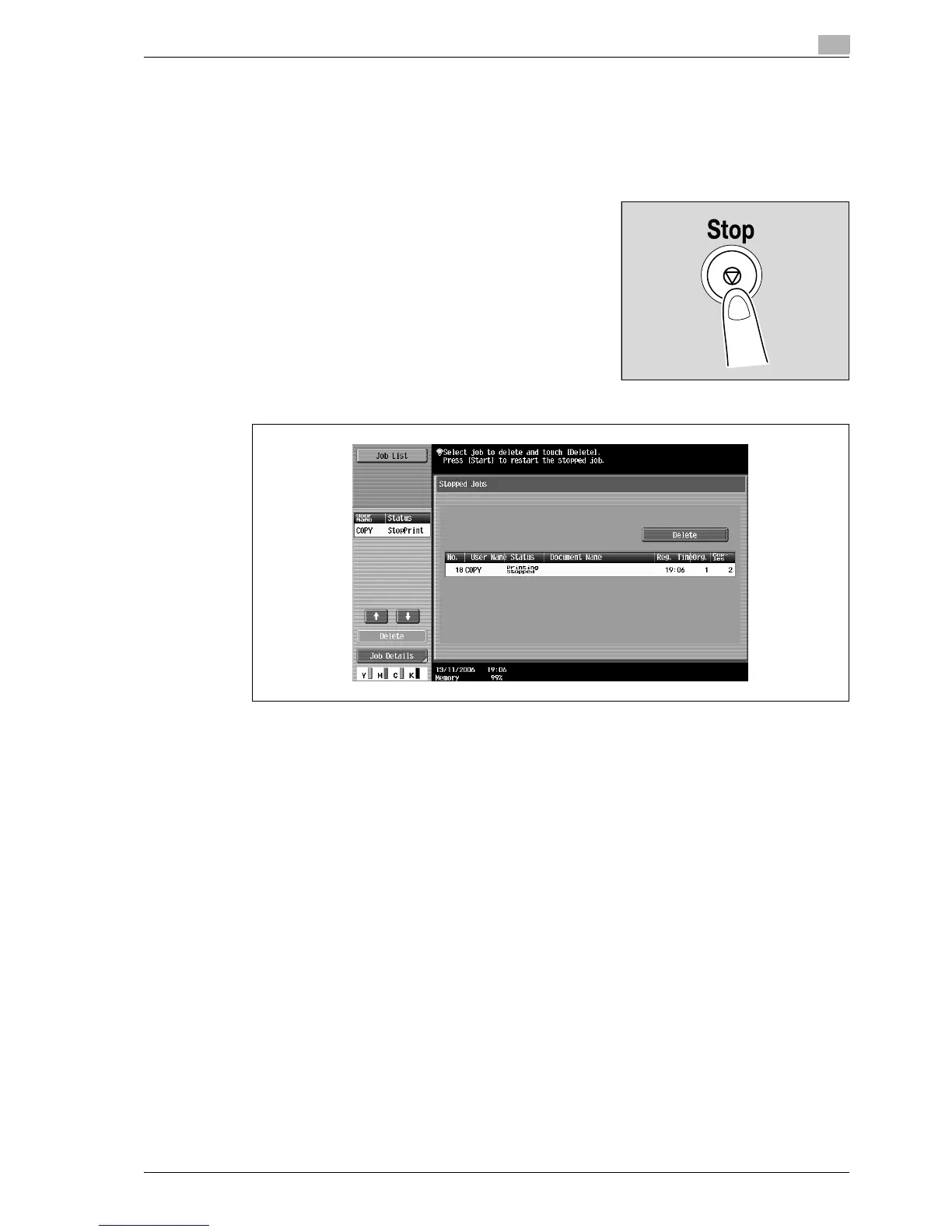
1 Press the [Stop] key while an original is being scanned or a job
is being printed.
Scanning/printing stops.
The Stopped Jobs screen appears.
2 To continue all stopped jobs, press the [Start] key.



 To Next Page