3
Basic copy operations
3-66 CS193/CS173/CS163
3.11.4 Printing with a glossy finish ("Glossy" setting)
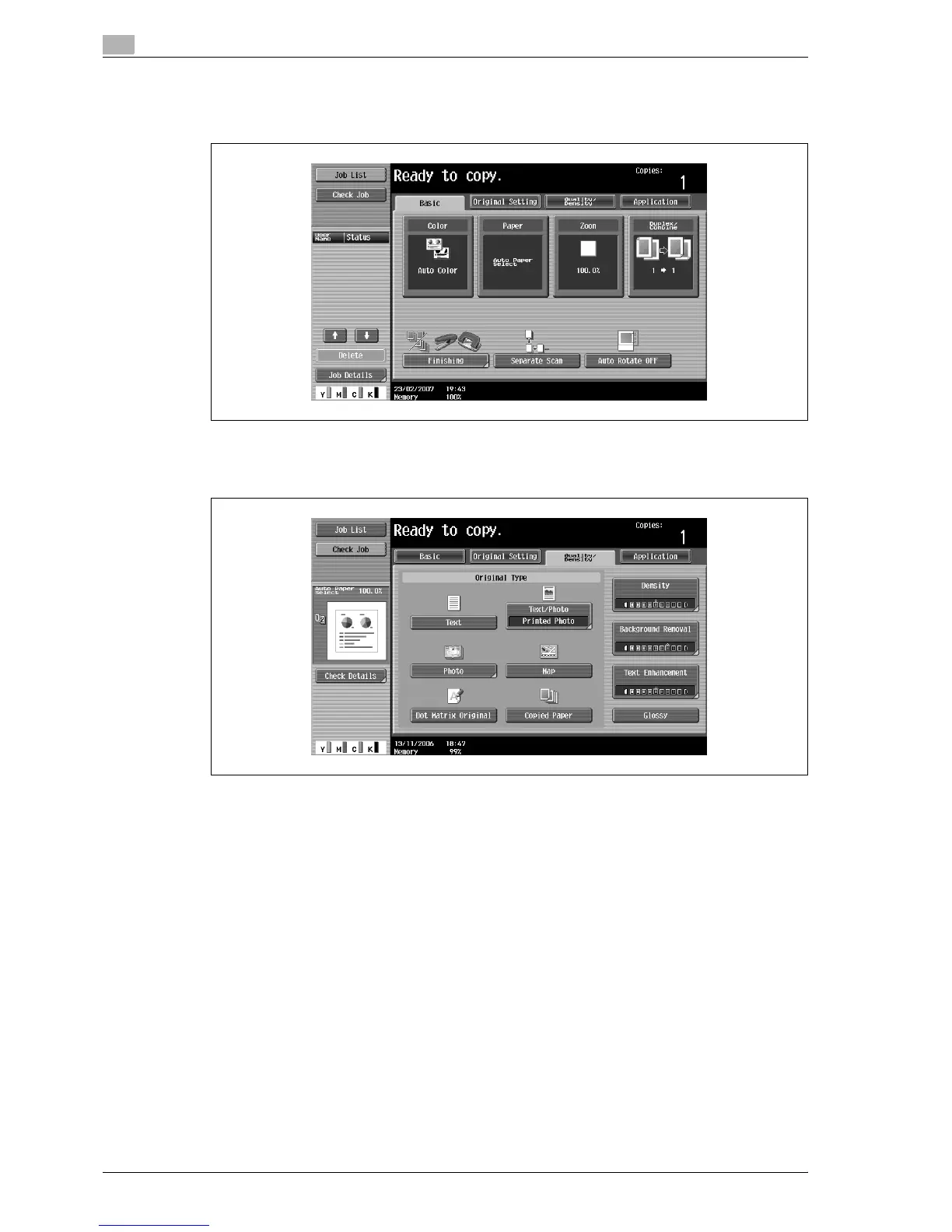
1 In the Basic screen, touch [Quality/Density].
The Quality/Density screen appears.
2 Touch [Glossy].
– To cancel the "Glossy" setting, touch [Glossy] again to deselect it.
– To cancel the setting and select the default, press the [Reset] key.



 To Next Page