CS193/CS173/CS163 8-37
Application functions
8
8.7 Scanning originals with different settings and printing copies all
together ("Program Jobs" function)
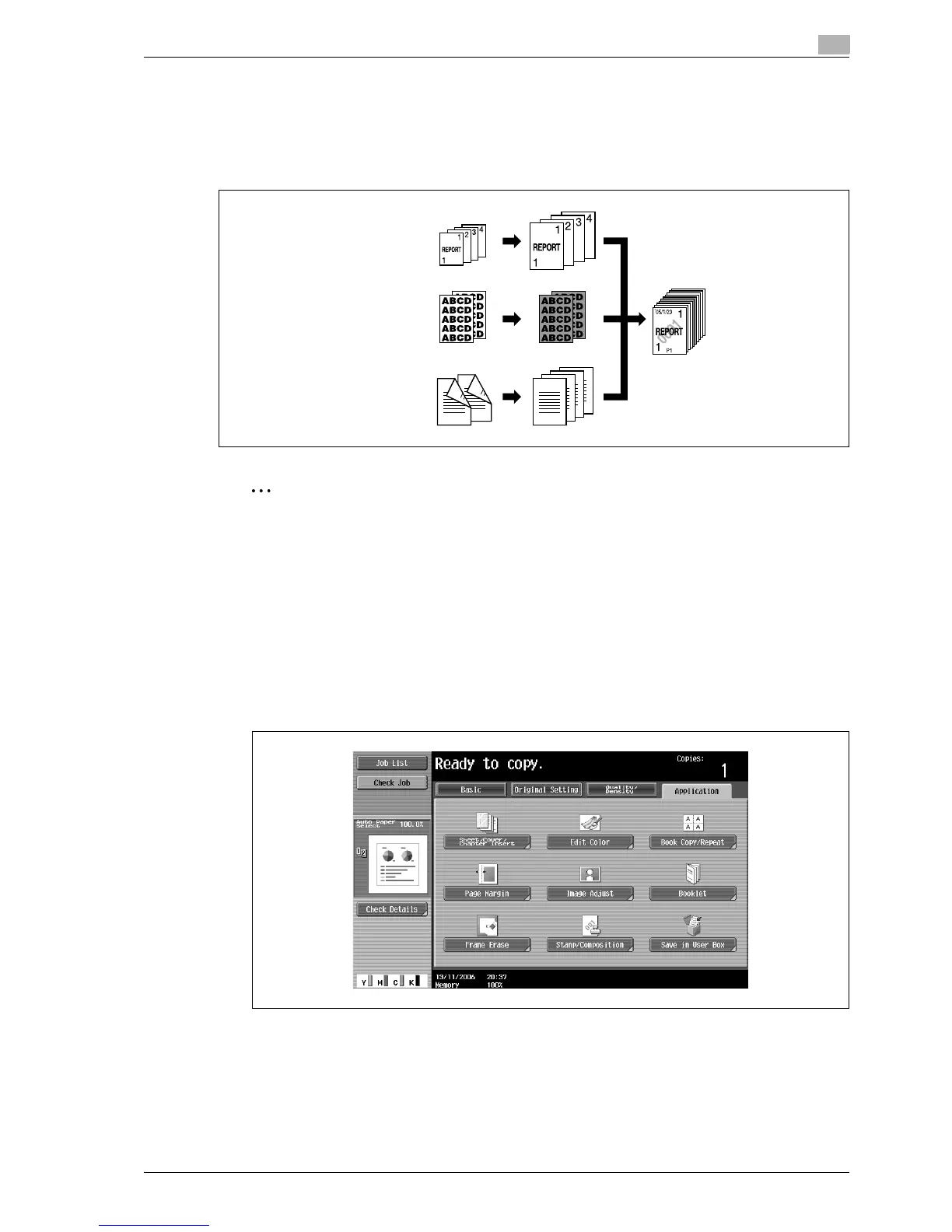
Loaded original pages can be scanned with different settings and their copies can be printed together.
Different Zoom or Paper settings can be specified for a part of the original or Finishing settings or a numbering
function can be set after the entire original is scanned, and then all copies can be printed together.
2
Note
100 original batches can be set.
The "Group" Finishing setting is not available when programming jobs. Instead, select "Sort".
1 Position the original to be copied.
– For details on positioning the original, refer to "Feeding the original" on page 3-8.
– When saving scanned data in a user box, some scanned data may be lost if more than 10,000 pages
are saved in the box.
2 Touch [Application], and then touch [Sheet/Cover/Chapter Insert].
– To cancel changes to the settings for all Application functions, press the [Reset] key. All changes to
the settings are canceled.
The Sheet/Cover/Chapter Insert screen appears.
Original 1
Original 2
Original 3



 To Next Page