8
Application functions
8-40 CS193/CS173/CS163
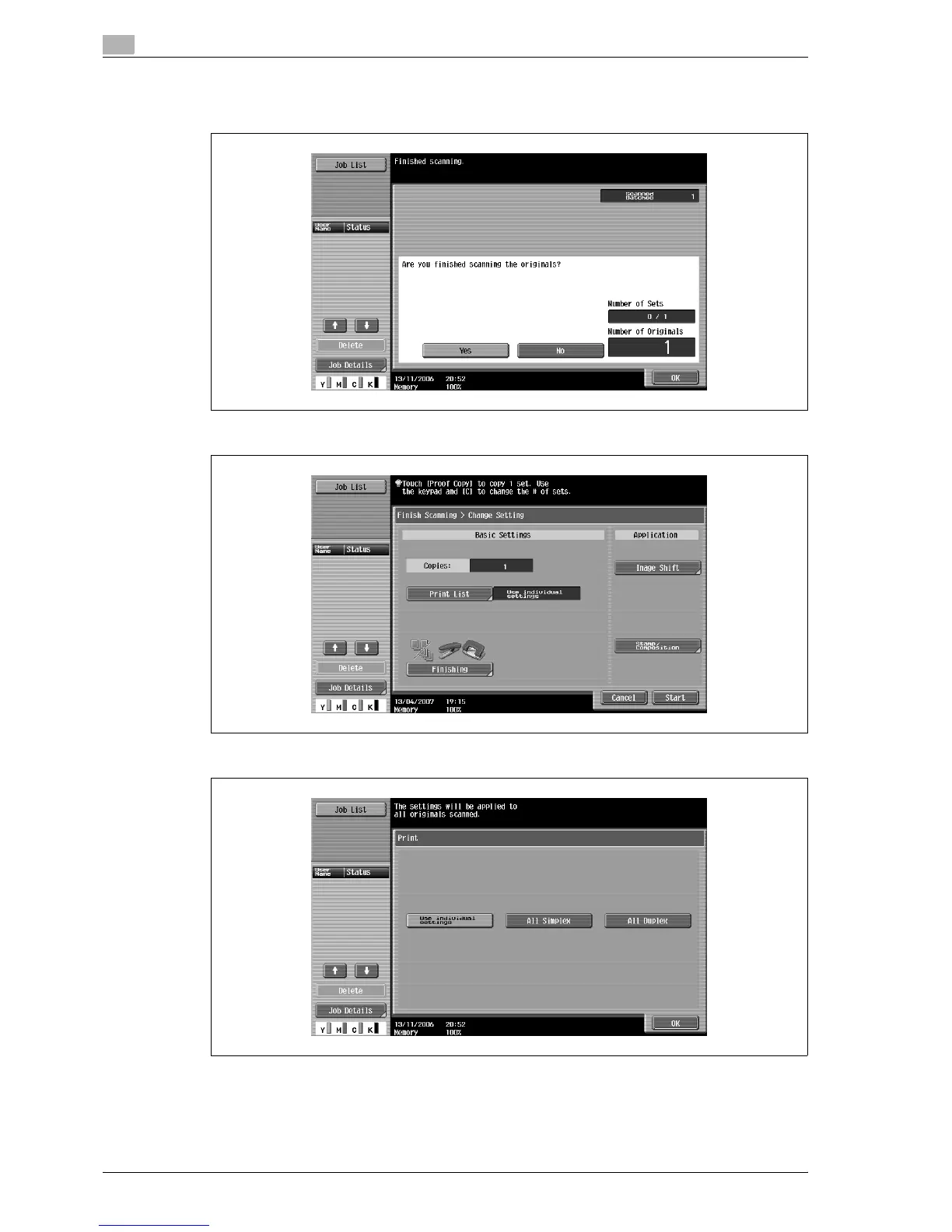
9 Touch [Yes], and then touch [OK].
– If "No" was selected, touch [Change Setting] to change the copy settings.
10 Specify any other desired copy settings.
– Touch [Print List], and then specify the printing method for the entire scanned original.
?
Is there more information about the settings?
% Refer to the appropriate section.



 To Next Page