8
Application functions
8-42 CS193/CS173/CS163
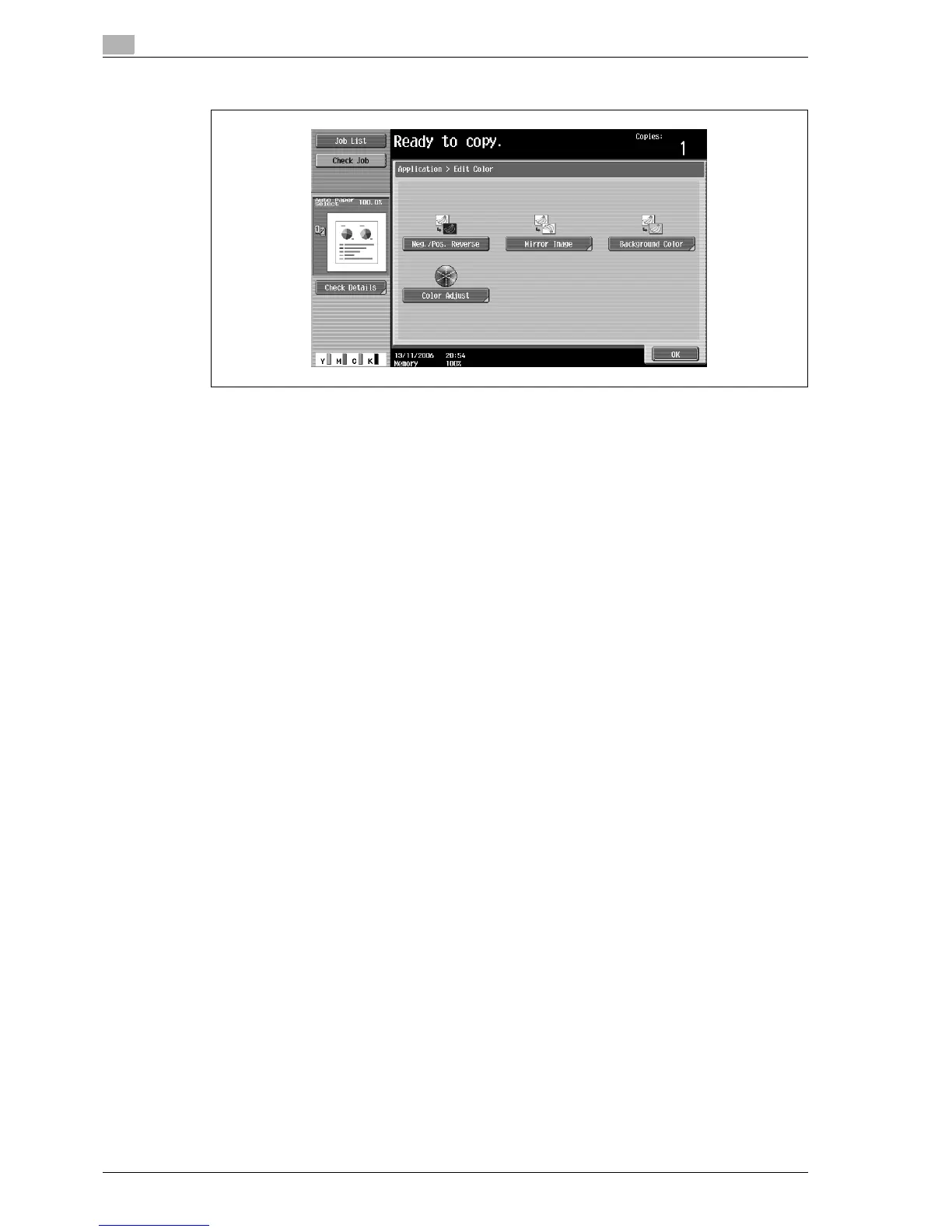
3 Touch [Neg./Pos. Reverse], and then touch [OK].
?
To cancel the "Neg./Pos. Reverse" function
% Touch [Neg./Pos. Reverse] again.
4 Specify any other desired copy settings.
5 Using the keypad, type in the desired number of copies.
6 Press the [Start] key.



 To Next Page