CS193/CS173/CS163 9-23
Replacing toner cartridges and staple cartridges and emptying punch scrap box
9
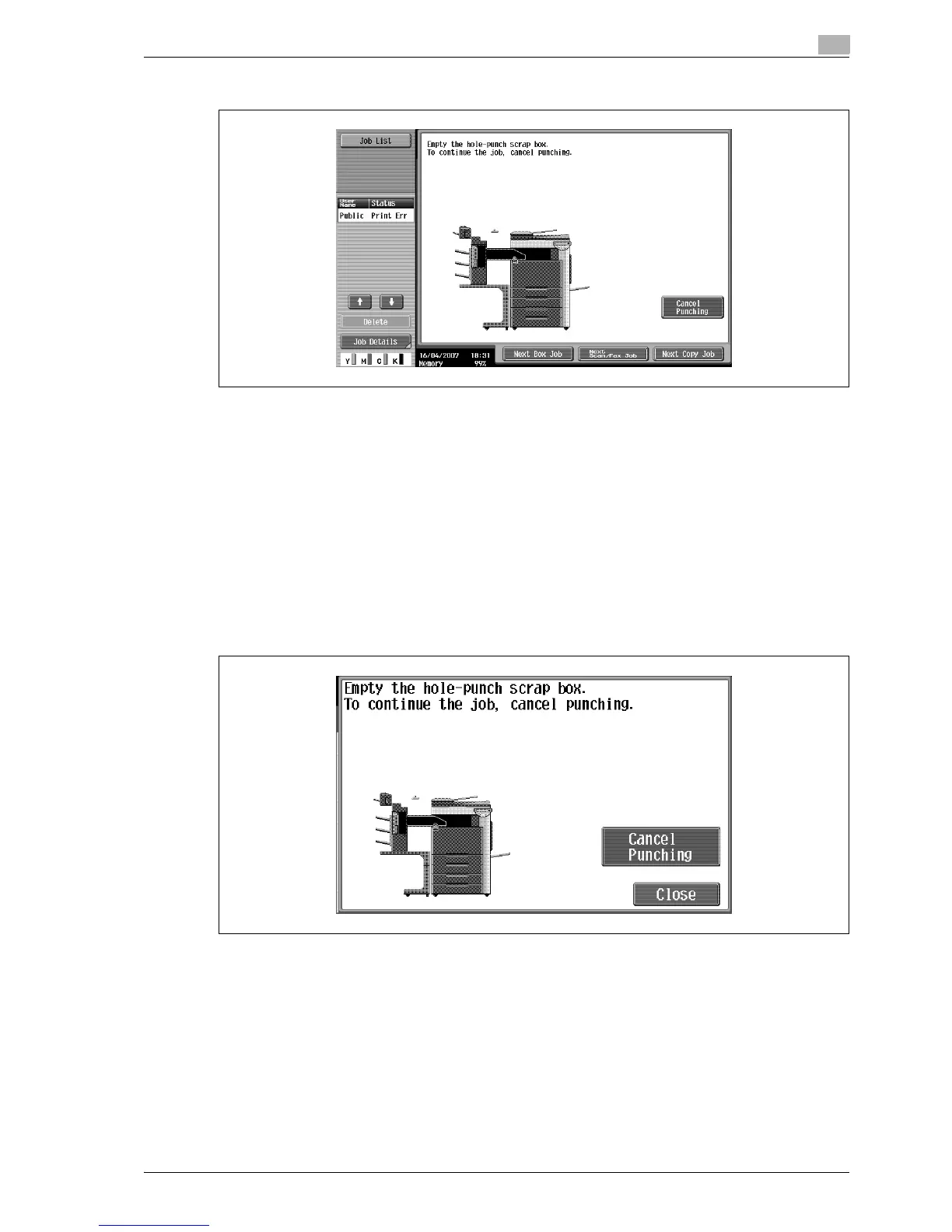
Screen while a job is being performed
!
Detail
When performed by user
If the punch scrap box has become full while a job is being performed, the job being performed is
paused. To continue the job without canceling the Punch setting, empty the punch scrap box. To cancel
the Punch setting and continue the job, touch [Cancel Punching].
When performed by service representative
If the punch scrap box has become full while a job is being performed, the job being performed is
paused. To continue the job, touch [Cancel Punching]. However, the continued job is printed without
holes being punched.
Display in Enlarge Display mode



 To Next Page