4
Additional copy operations
4-20 CS193/CS173/CS163
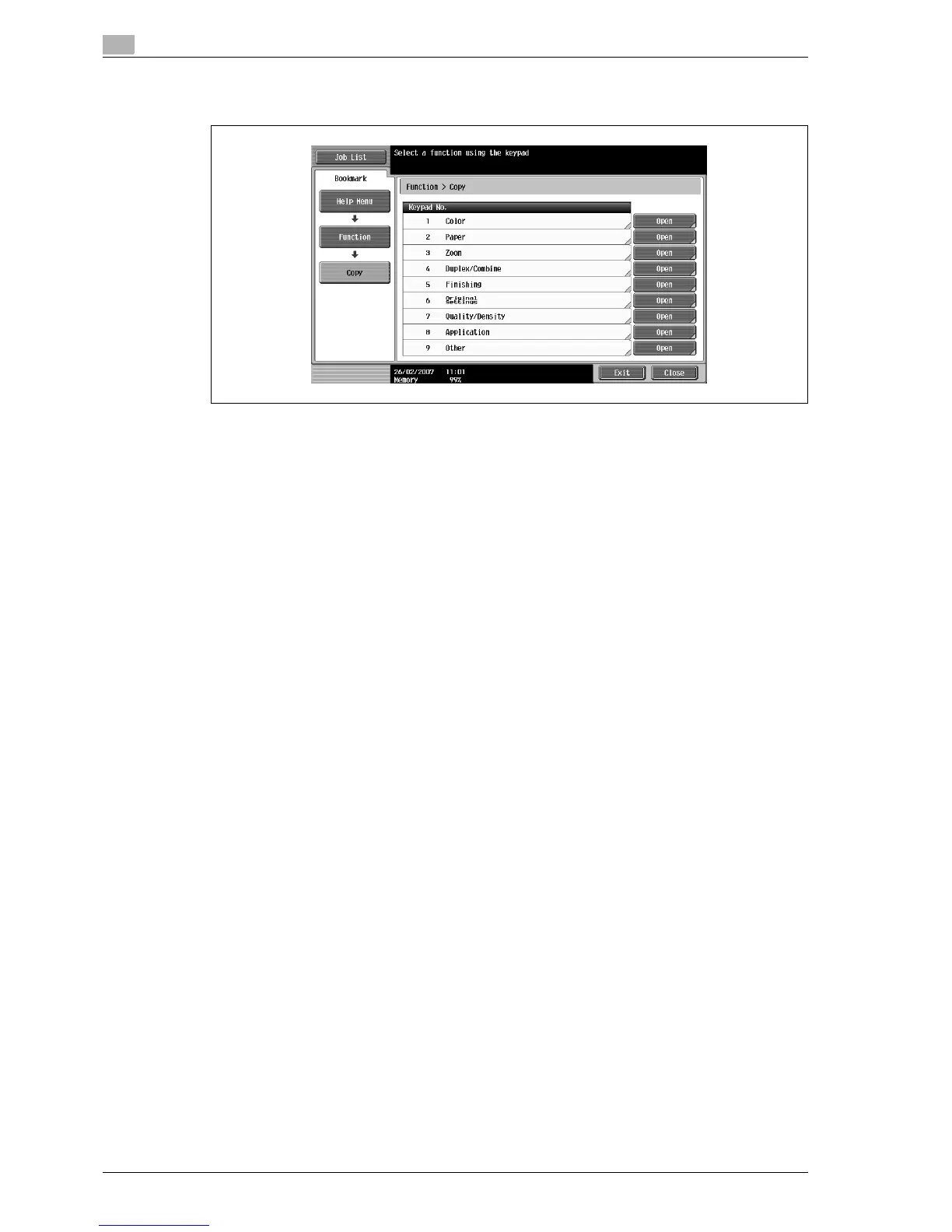
4 Touch [Open] or the right of the desired information, or press the key in the keypad for the number to
the left of the desired information to display the corresponding Help screen.
5 After checking the Help information, touch [Exit] or press the [Help] key again.
The Basic screen appears again.



 To Next Page