CS193/CS173/CS163 12-11
Utility mode
12
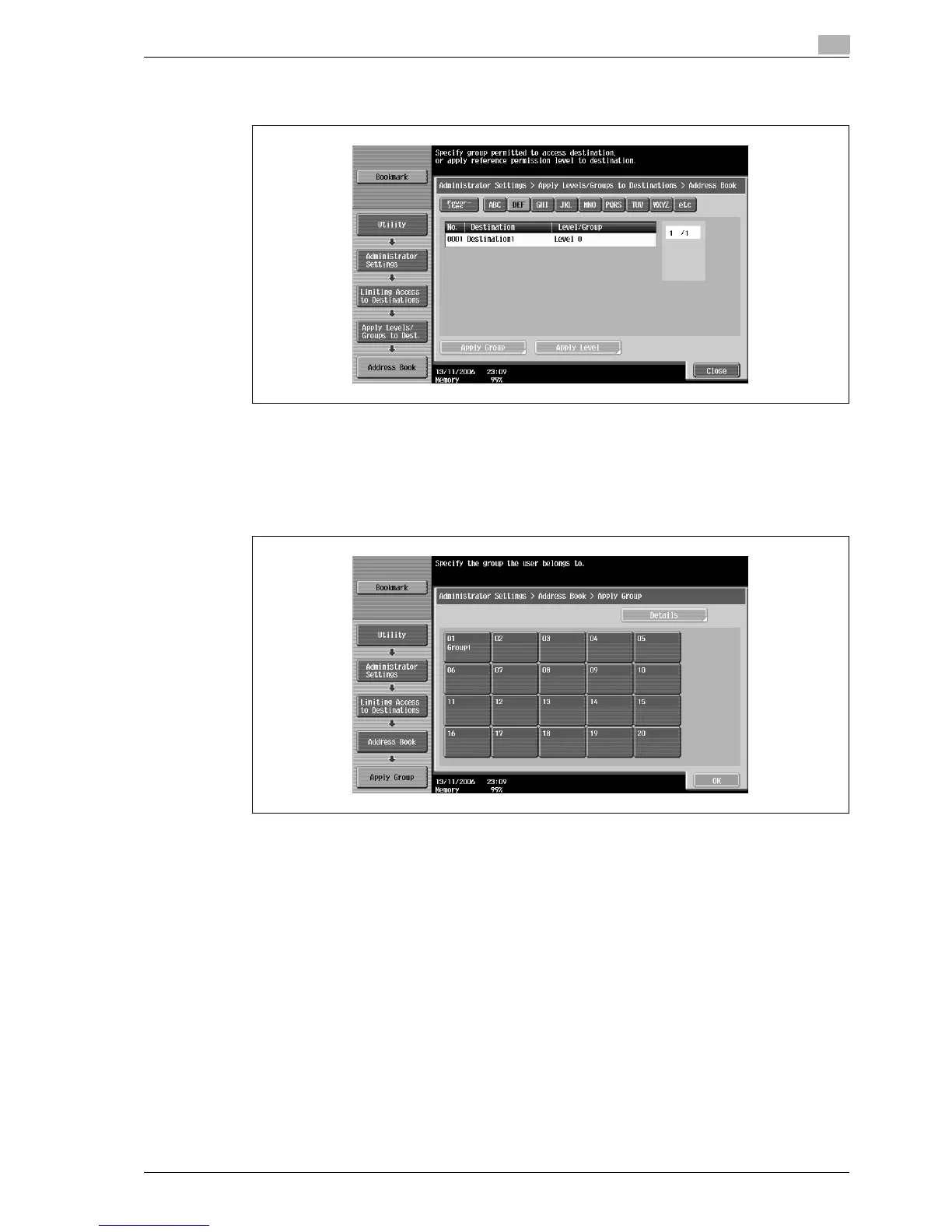
– For an address book destination, touch the index button for the first letter of the destination, and
then search for the destination.
6 Touch the button for the desired setting.
– Either an access permission level or an access permission group can be specified for each
destination.
– Only one access permission group can be specified for a single destination.
– To specify the destination group, touch [Apply Group]. Touch the button for the desired group, and
then touch [OK].



 To Next Page