8
Application functions
8-44 CS193/CS173/CS163
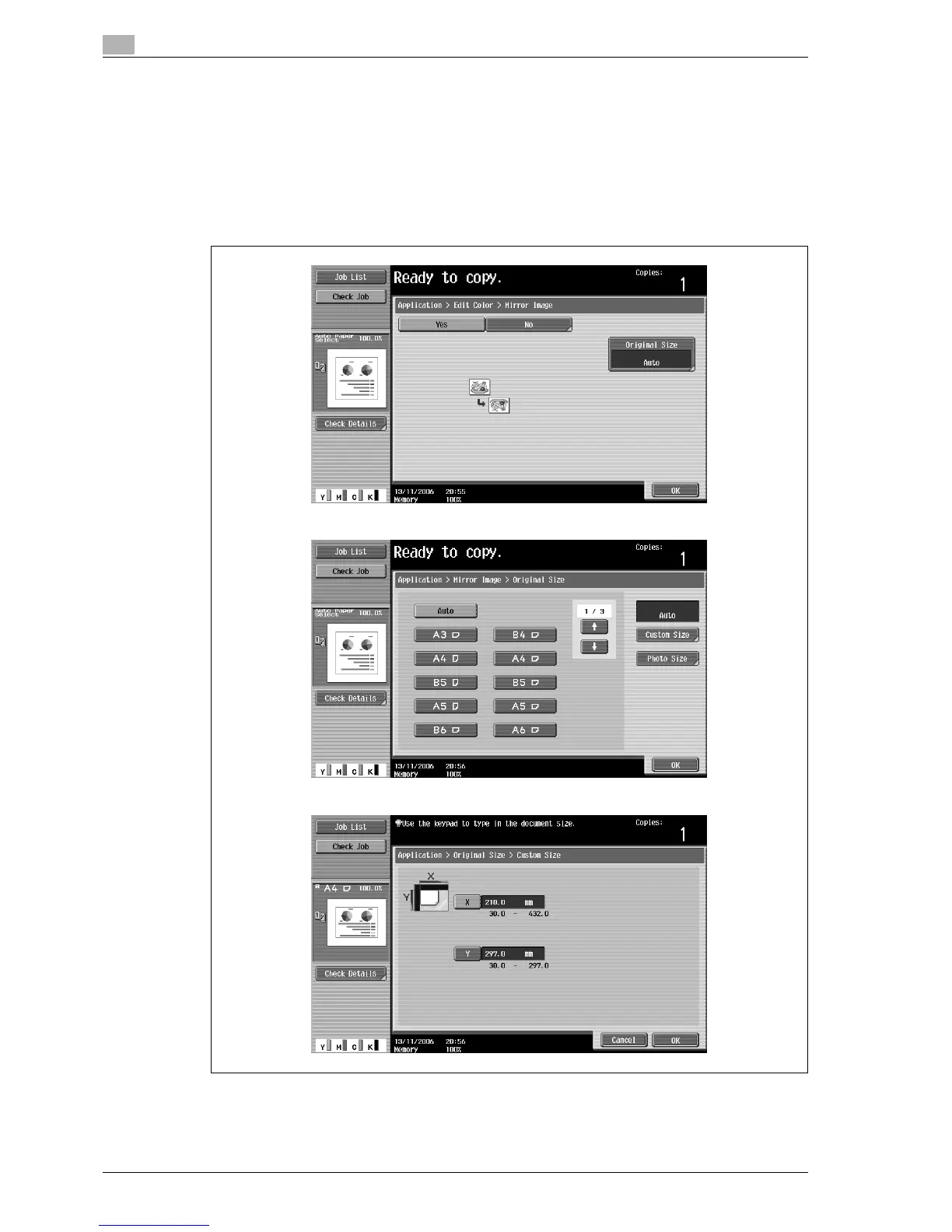
The Mirror Image screen appears.
4 Check the original size under "Original Size", and then touch [OK].
– If the original size cannot be detected automatically or to specify the original size, touch [Original
Size], and then specify the original size from any of the screens.
– If a non-standard-sized original is loaded, the original size cannot be detected. Therefore, specify
the original size in the Custom Size screen, and then press the [Start] key.
– To cancel the "Mirror Image" function, touch [No].
To cancel changes to the settings, touch [Cancel].
Original Size screen
Custom Size screen



 To Next Page