3
Basic copy operations
3-46 CS193/CS173/CS163
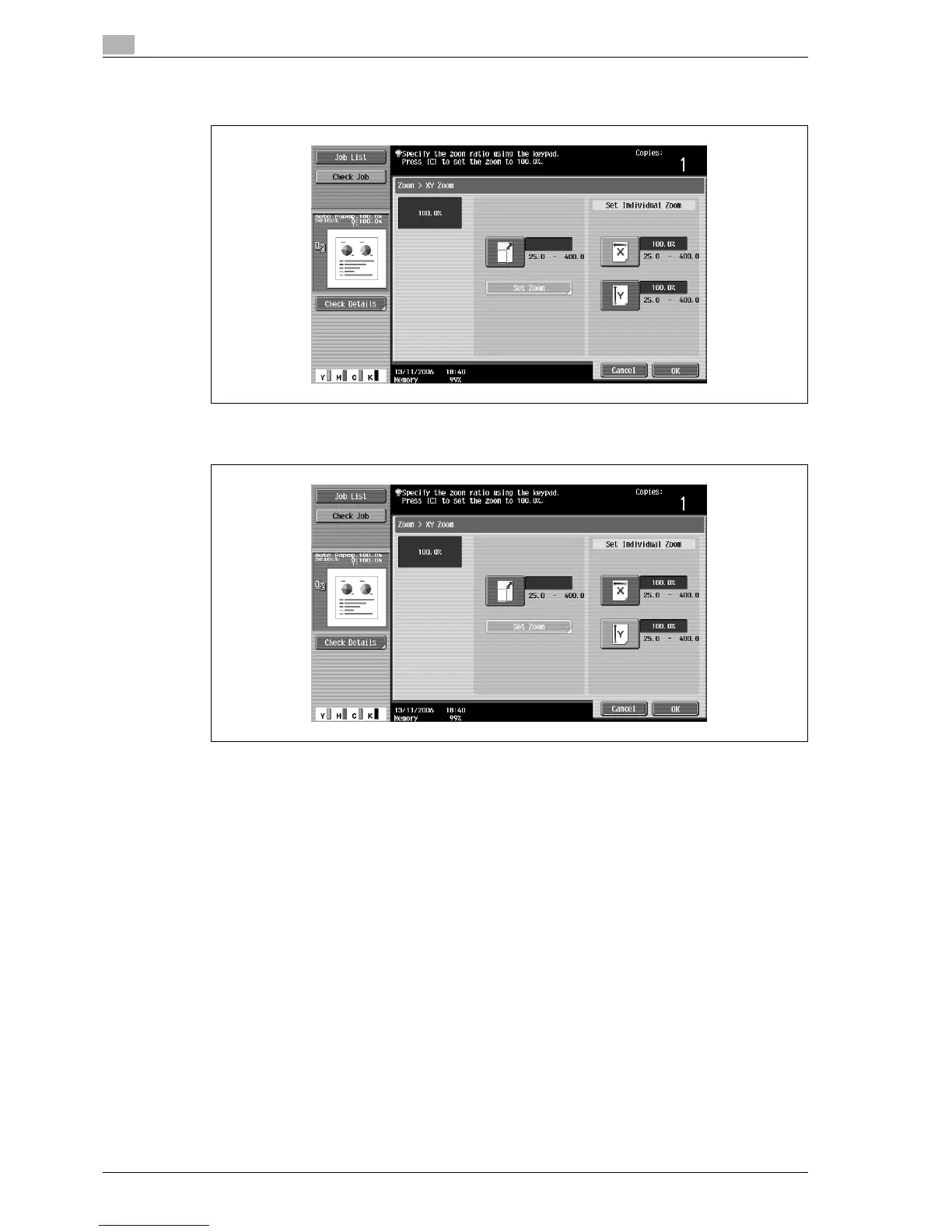
3 Touch [X] under "Set Individual Zoom", and then use the keypad to type in the desired zoom ratio
(between 25.0% and 400.0%) for the X direction.
4 Touch [Y] under "Set Individual Zoom", and then use the keypad to type in the desired zoom ratio
(between 25.0% and 400.0%) for the Y direction.
– To cancel changes to the settings, touch [Cancel].
5 Touch [OK], and then touch [OK] in the next screen that appears.
The Basic screen appears again.



 To Next Page