3
Basic copy operations
3-54 CS193/CS173/CS163
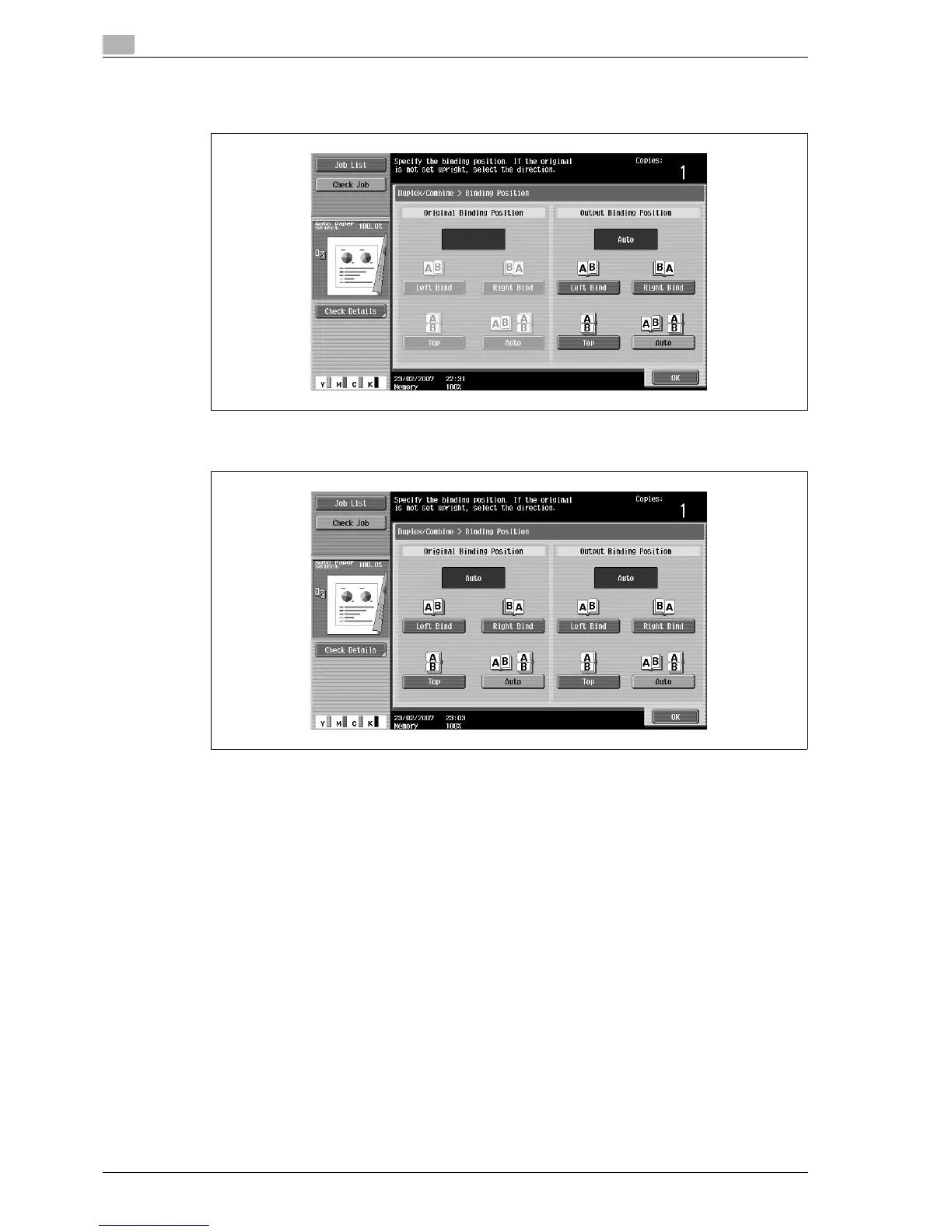
3 Touch [Binding Position].
– For a single-sided original, select the binding position for the copy, and then touch [OK].
– For a double-sided original, select the binding positions for the original and the copy, and then touch
[OK].
4 Touch [Original Direction], select the orientation of the loaded original, and then touch [OK].
– For details on specifying the original orientation, refer to "Selecting the original orientation (Original
Direction settings)" on page 3-24.
5 Touch [OK].
The Basic screen appears again.



 To Next Page