CS193/CS173/CS163 3-73
Basic copy operations
3
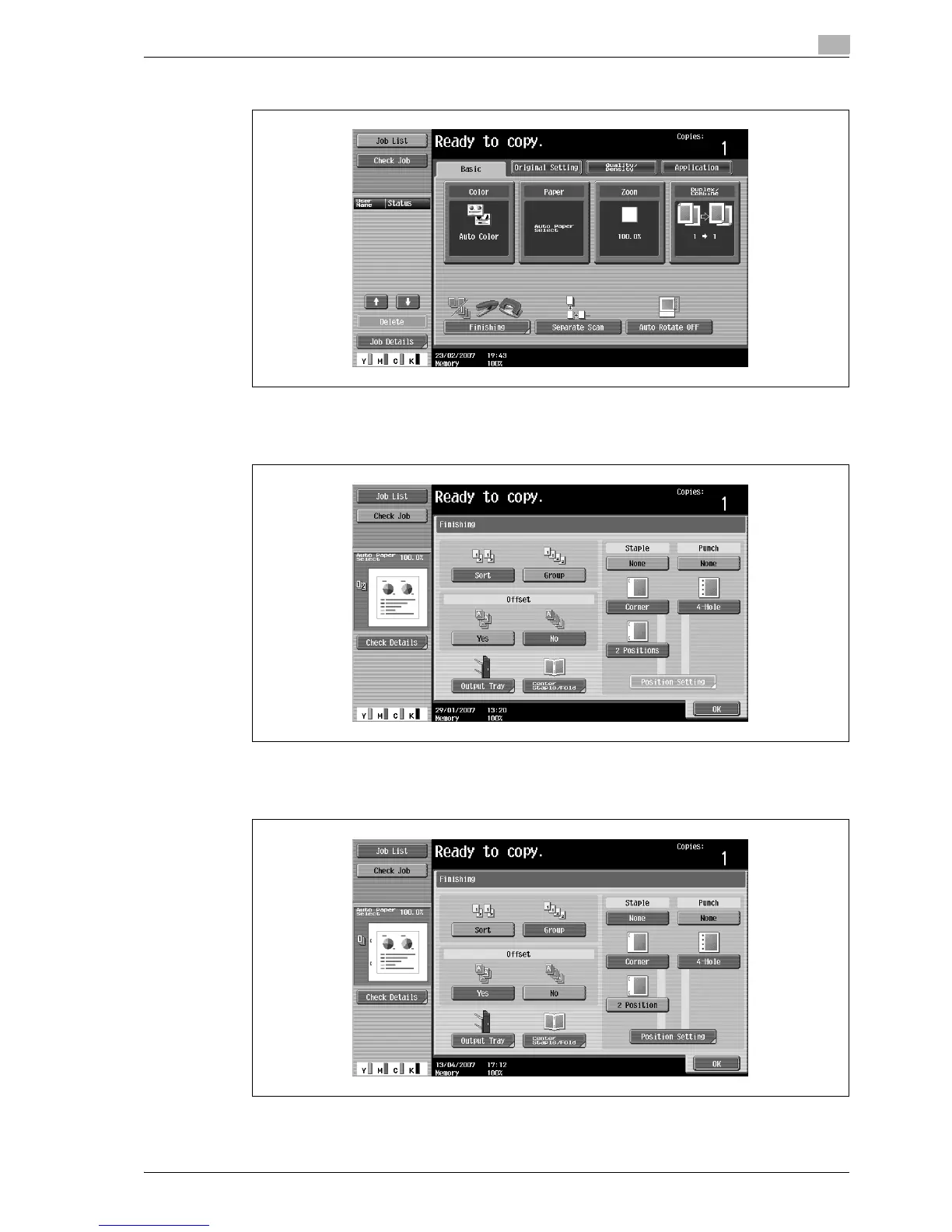
1 In the Basic screen, touch [Finishing].
The Finishing screen appears.
2 Under "Staple", touch either [Corner] or [2 Position].
– To cancel the Staple setting, touch [None].
3 Touch [Position Setting].
– Select the stapling position, and then touch [OK].



 To Next Page