CS193/CS173/CS163 4-5
Additional copy operations
4
2 After checking the settings, touch [Close].
The Basic screen appears again.
!
Detail
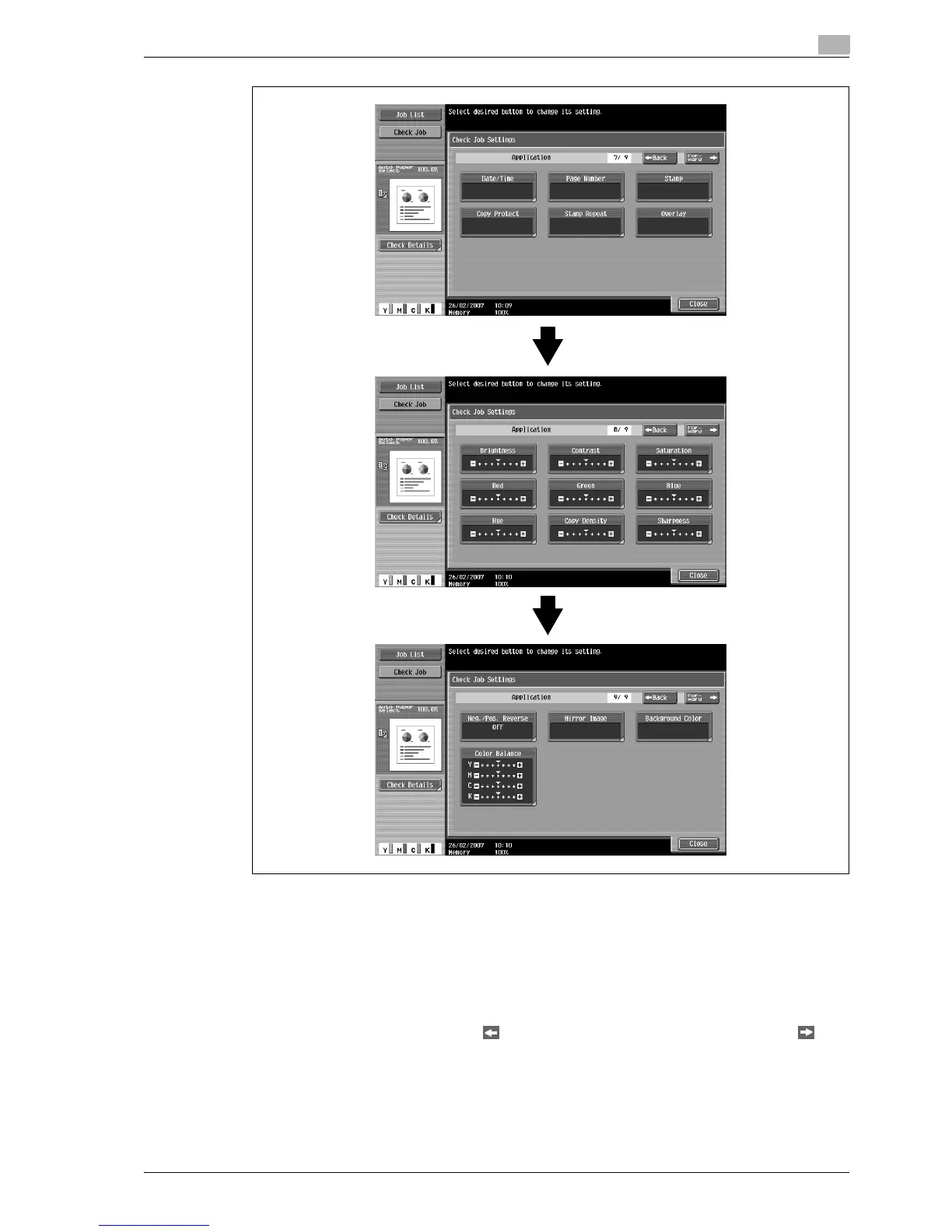
There are nine Check Job Settings screens. The number of the currently displayed screen appears to
the right of the screen title.
To display the previous screen, touch [ Back]. To display the next screen, touch [Forward ].
If the setting for a function has been changed from the default, the button for that function appears with
a colored box around it.



 To Next Page