4
Additional copy operations
4-22 CS193/CS173/CS163
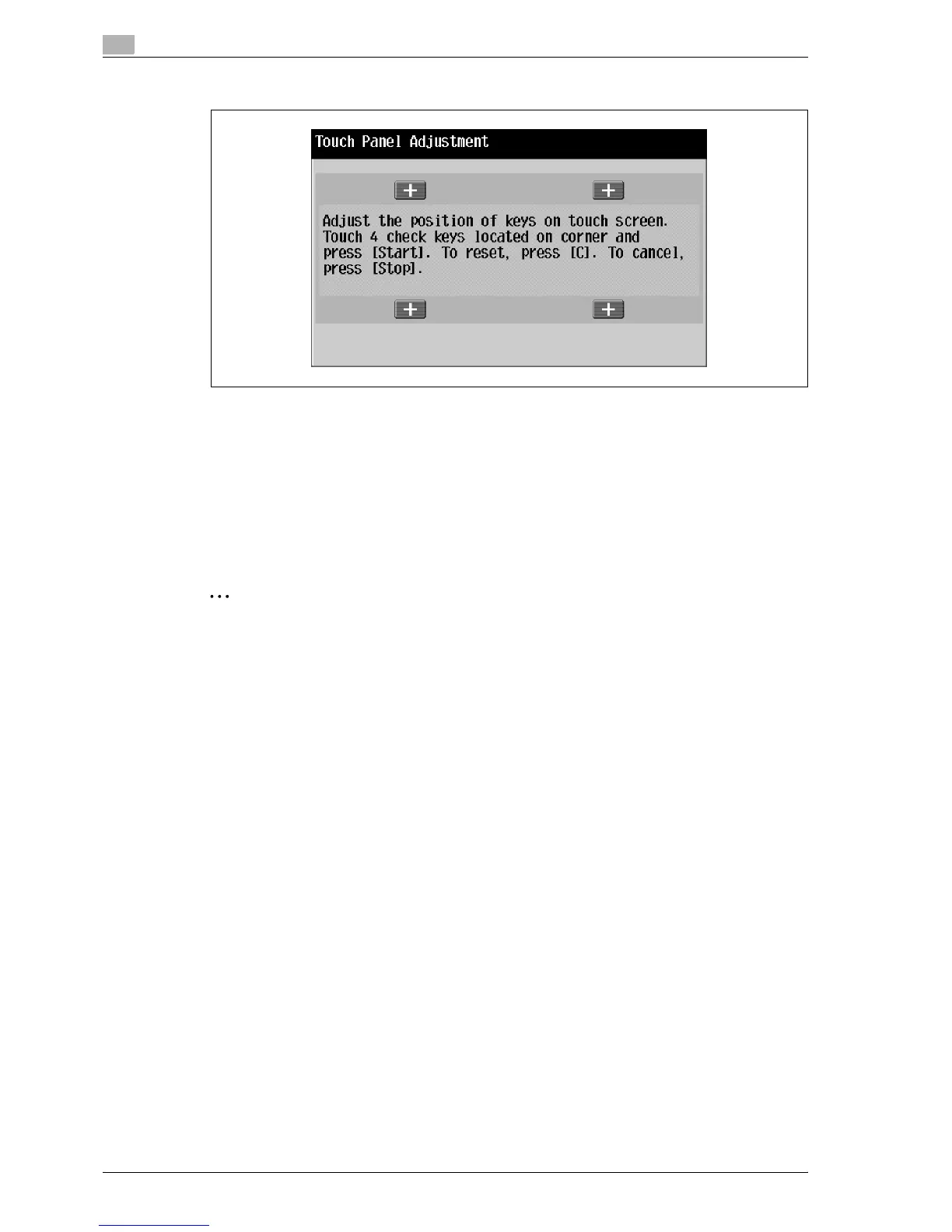
3 Touch the four check points [+], making sure that a sound is produced with each.
– The check points [+] can be touched in any order.
– To reset the adjustment, press the [C] (clear) key, and then touch the four check points [+].
If the check points have been touched correctly, the indicator on the [Start] key lights up in blue.
4 Press the [Start] key.
The touch panel is adjusted, and the Accessibility Setting screen appears again.
5 Touch [Close] or press the [Accessibility] key.
The Basic screen appears again.
2
Note
If the touch panel cannot be adjusted, contact the service representative.
!
Detail
To cancel the touch panel adjustment, press the [Stop] key or the [Reset] key.



 To Next Page