8
Application functions
8-24 CS193/CS173/CS163
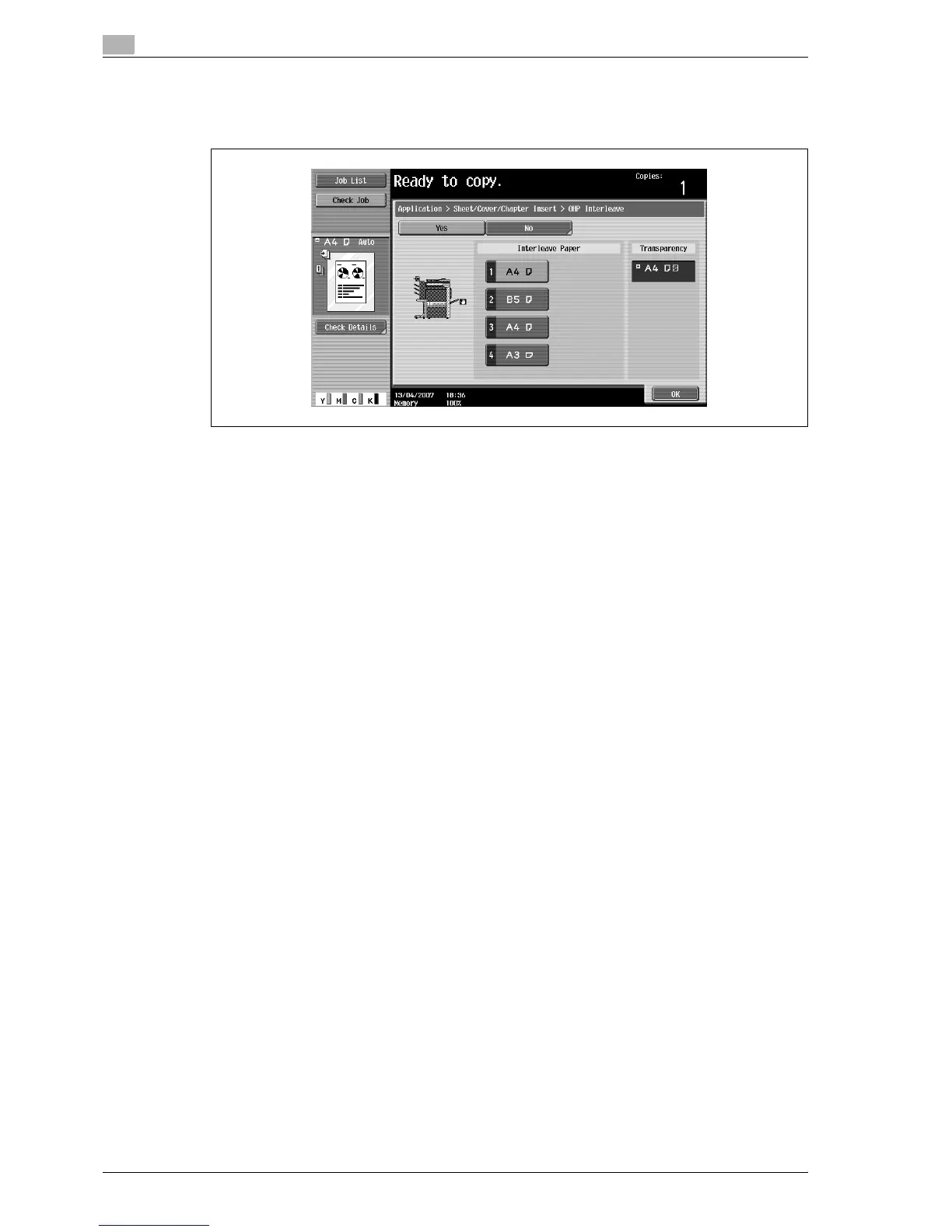
7 Select the paper tray loaded with the interleaf paper.
– To cancel the setting and select the default, press the [Reset] key.
– To cancel the "OHP Interleave" function, touch [No].
8 Touch [OK].
9 Specify any other desired copy settings.
– The number of copies is set to "1" and cannot be changed.
10 Press the [Start] key.



 To Next Page