8
Application functions
8-74 CS193/CS173/CS163
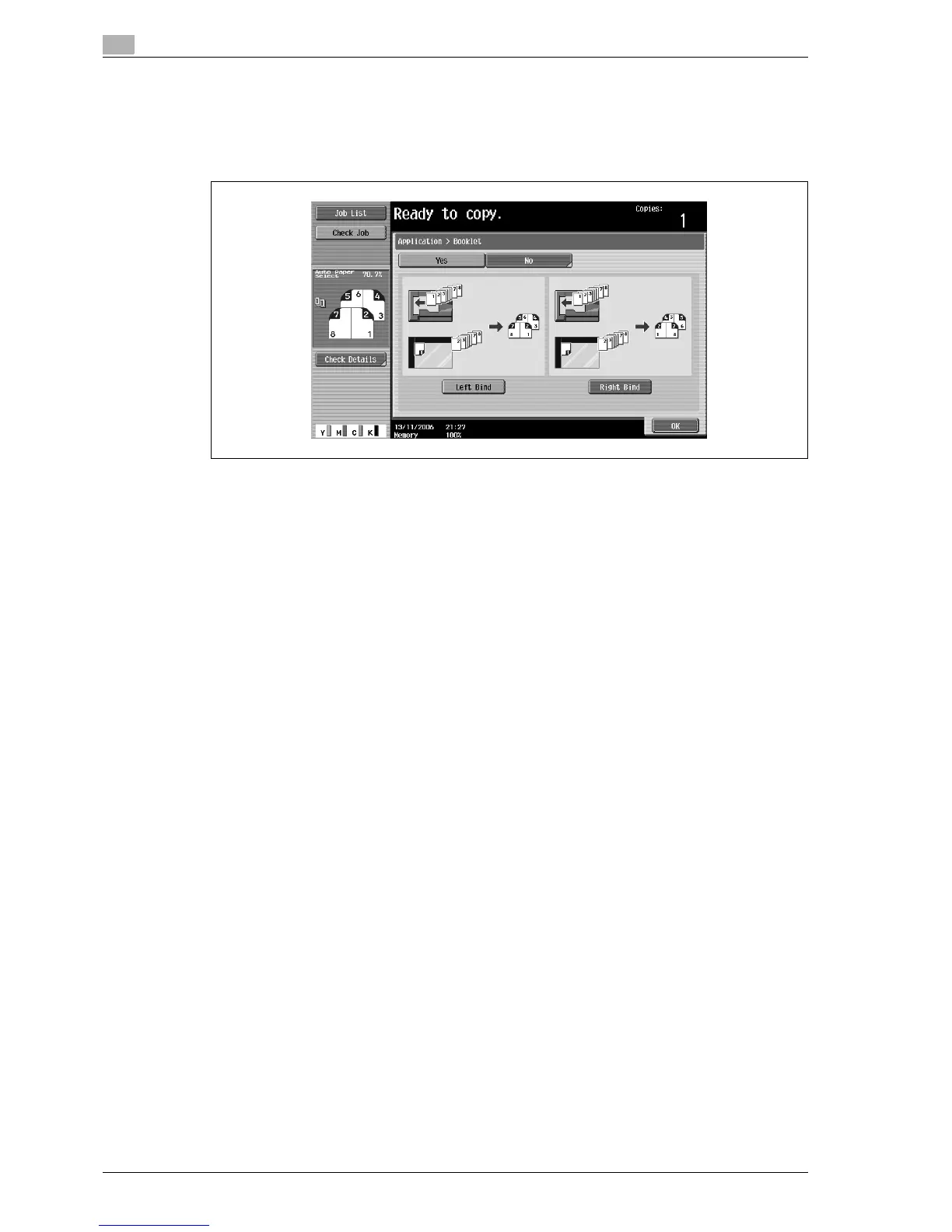
3 Touch [Left Bind] or [Right Bind].
– If the original contains only pages in the landscape orientation, they will be bound at the top,
regardless of which setting is selected.
– To cancel the setting and select the default, press the [Reset] key.
– To cancel the "Booklet" function, touch [No].
4 Touch [OK].
5 Specify any other desired copy settings.
6 Using the keypad, type in the desired number of copies.
7 Press the [Start] key.



 To Next Page