8
Application functions
8-84 CS193/CS173/CS163
7 If necessary, specify the other settings.
– To also specify settings for the "Cover Sheet", "Insert Sheet" and "Chapters" Application functions,
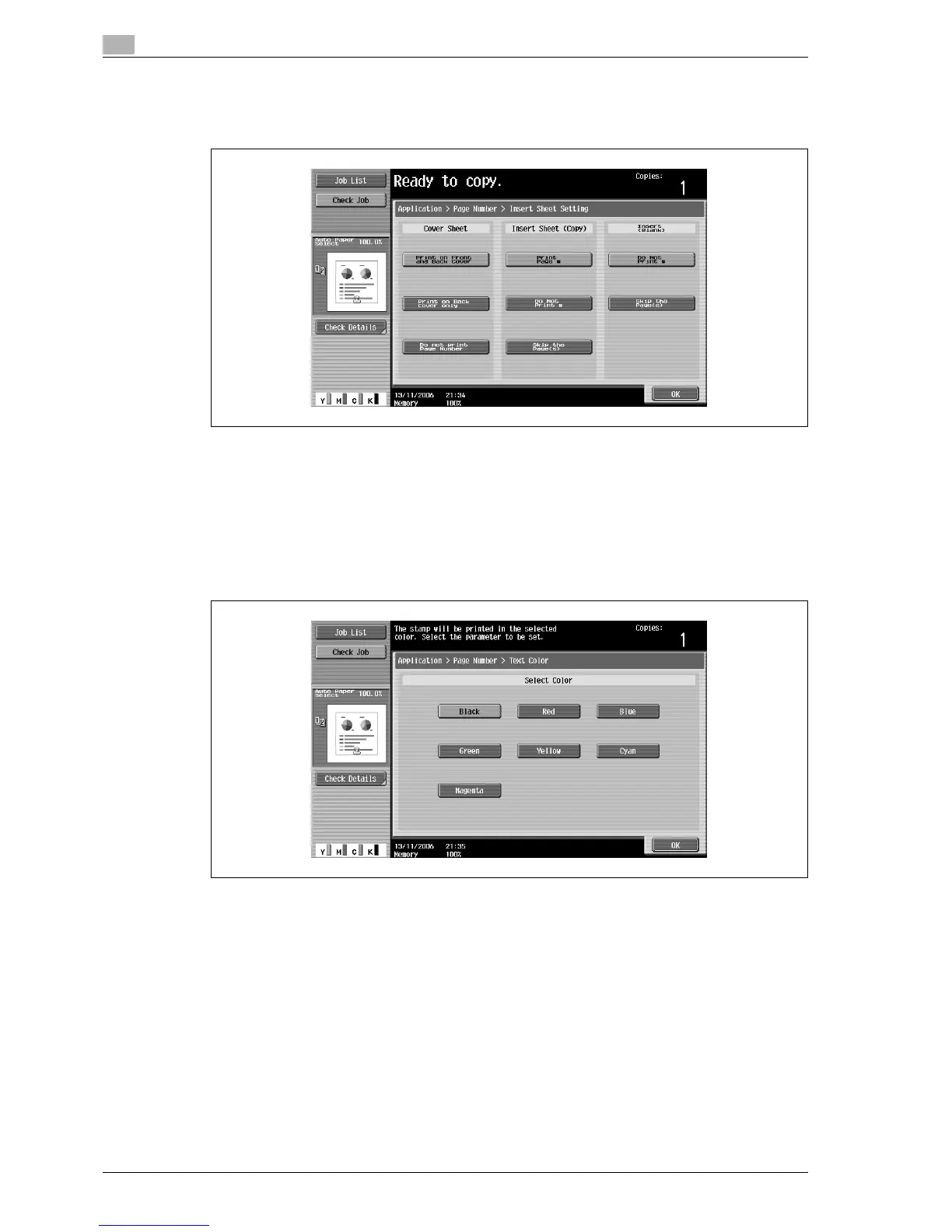
touch [Insert Sheet Setting], and then select the settings for the pages to be printed.
– Blank pages inserted using the "Cover Sheet", "Insert Sheet" and "Chapters" functions are only
counted, but page numbers are not printed on them.
– If "Print on Back Cover Only" or "Do Not Print Page Number" is selected under "Cover Sheet", page
numbers are printed starting with "2" in single-sided copies and starting with "3" in double-sided
copies.
– If "Do Not Print #" is selected, inserted pages are only counted, but page numbers are not printed
on them. If "Skip the Page(s)" is selected, inserted pages are not counted and page numbers are
not printed on them.
– To specify the text color, touch [Text Color], and then select the color.



 To Next Page