2
Before making copies
2-22 CS193/CS173/CS163
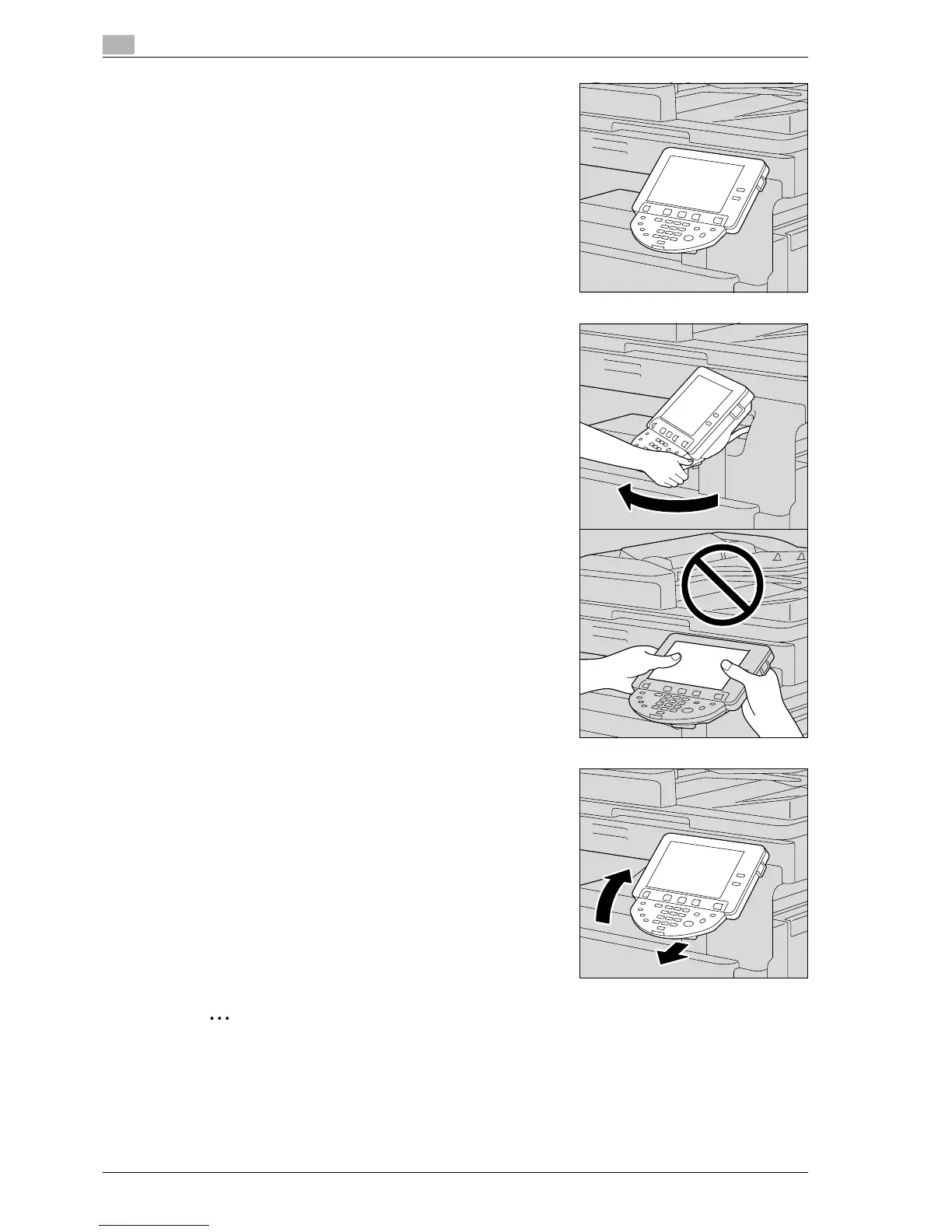
2 To tilt the control panel even further, push down on the control
panel again.
The control panel stops at the lowest position.
3 To tilt the control panel to the left, hold the bottom of the
control panel, and then tilt the panel to the left.
4 To return the control panel to the upper position, pull the
control panel release lever toward you, and then pull up on the
control panel.
2
Reminder
When tilting the control panel, do not grab the touch panel.



 To Next Page