CS193/CS173/CS163 11-15
Managing jobs
11
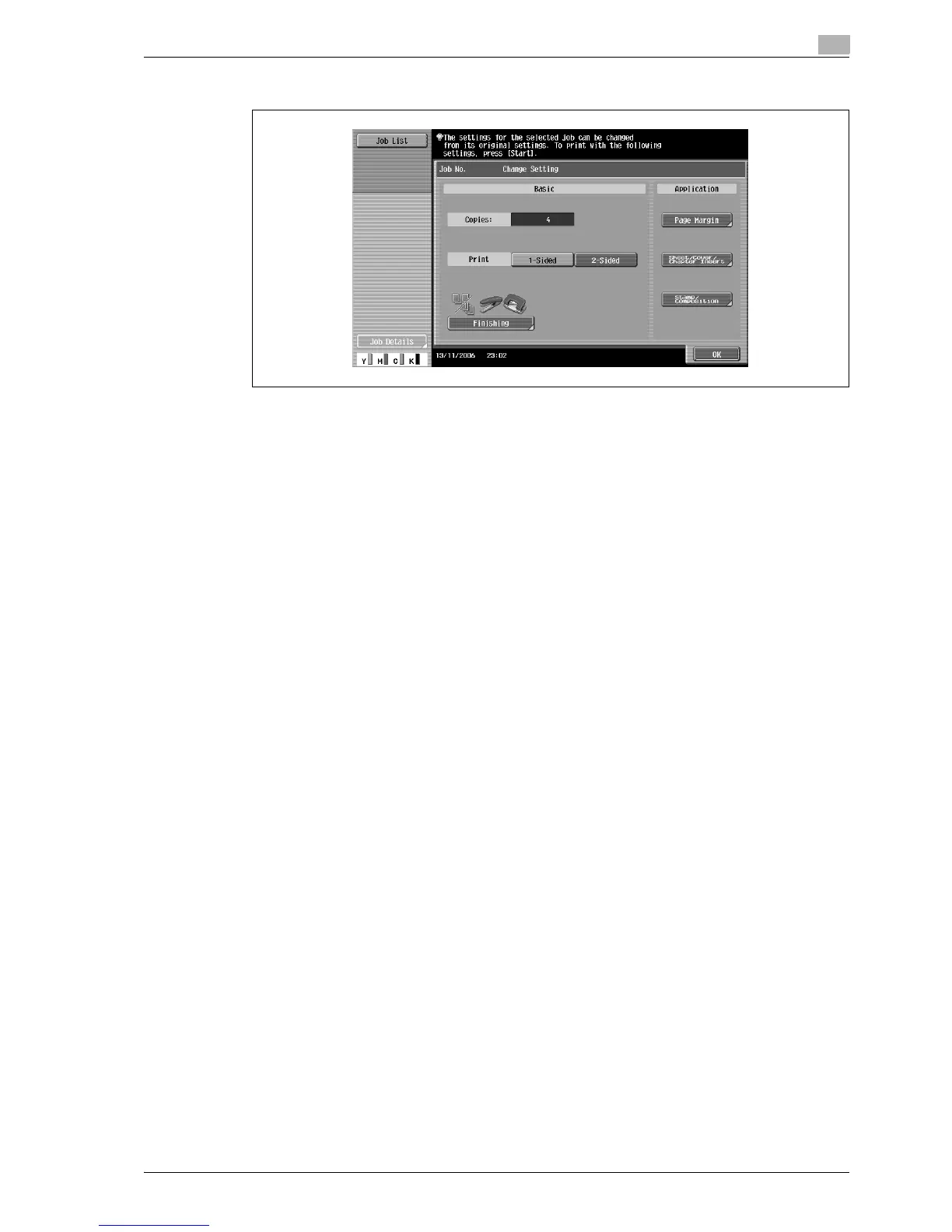
4 In the Change Setting screen, change the copy settings as desired, and then touch [OK].
?
Is there more information about the settings?
% Refer to the appropriate section.
?
Can a proof copy be printed?
% For details on printing a proof copy, refer to "Printing a proof copy of a stored job" on page 11-13.
5 In the Release Held Job screen, touch [OK] or press the [Start] key.
The stored job appears in the Current Jobs list and is printed.
?
How is the removal of a job from the Held Jobs list stopped?
% Touch [Cancel].



 To Next Page