12
Utility mode
12-38 CS193/CS173/CS163
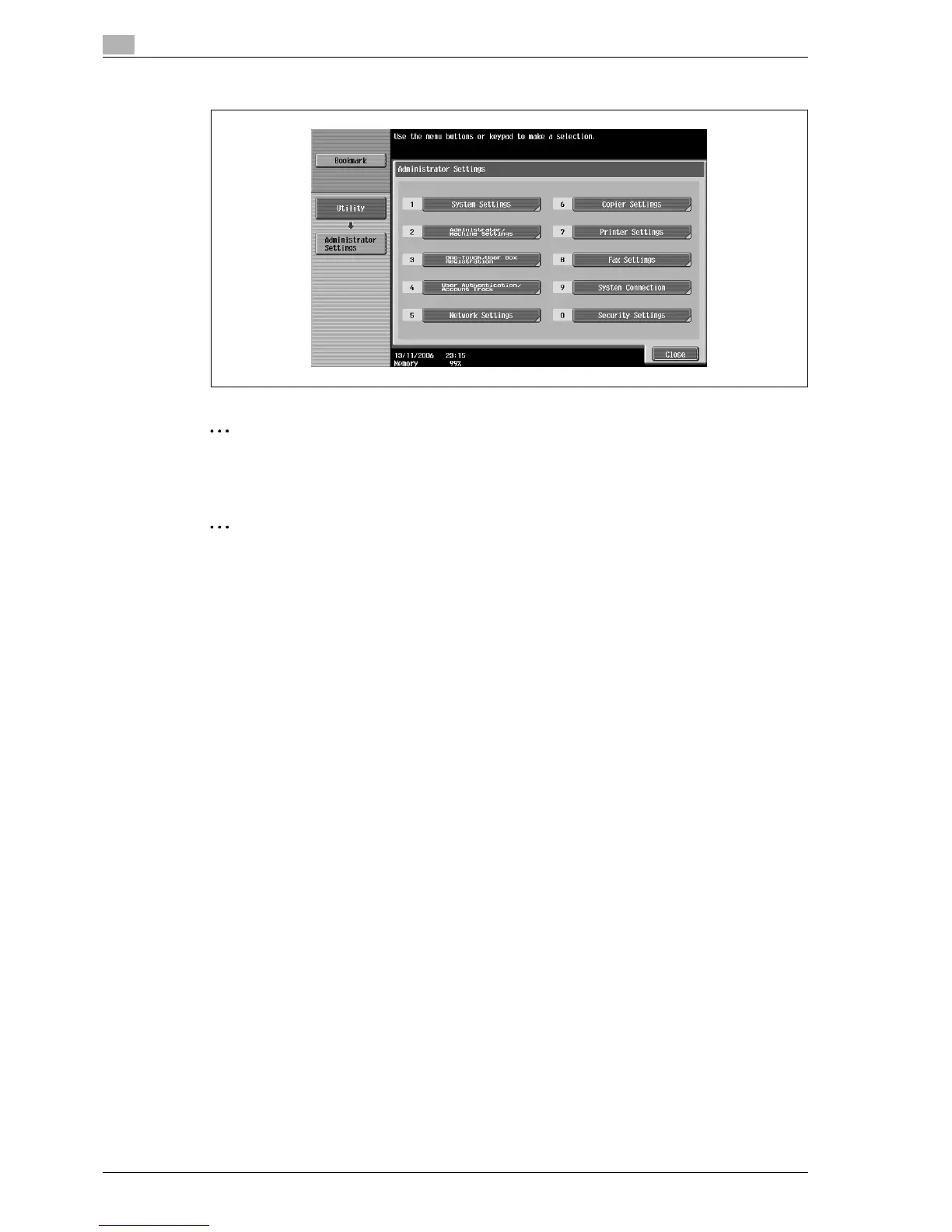
The Administrator Settings screen appears.
2
Note
To finish specifying settings in the Utility mode, press the [Utility/Counter] key. Otherwise, exit the Utility
mode by touching [Close] in each screen until the screen for the Copy, Fax/Scan or Box mode appears.
2
Reminder
The default administrator password is "12345678". The administrator of this machine should change
the administrator password.
Be sure to keep the administrator password in a safe place. If the administrator password is lost, it must
be specified by the service representative. For details, contact the service representative.



 To Next Page