3
Basic copy operations
3-12 CS193/CS173/CS163
3 Press the [Start] key.
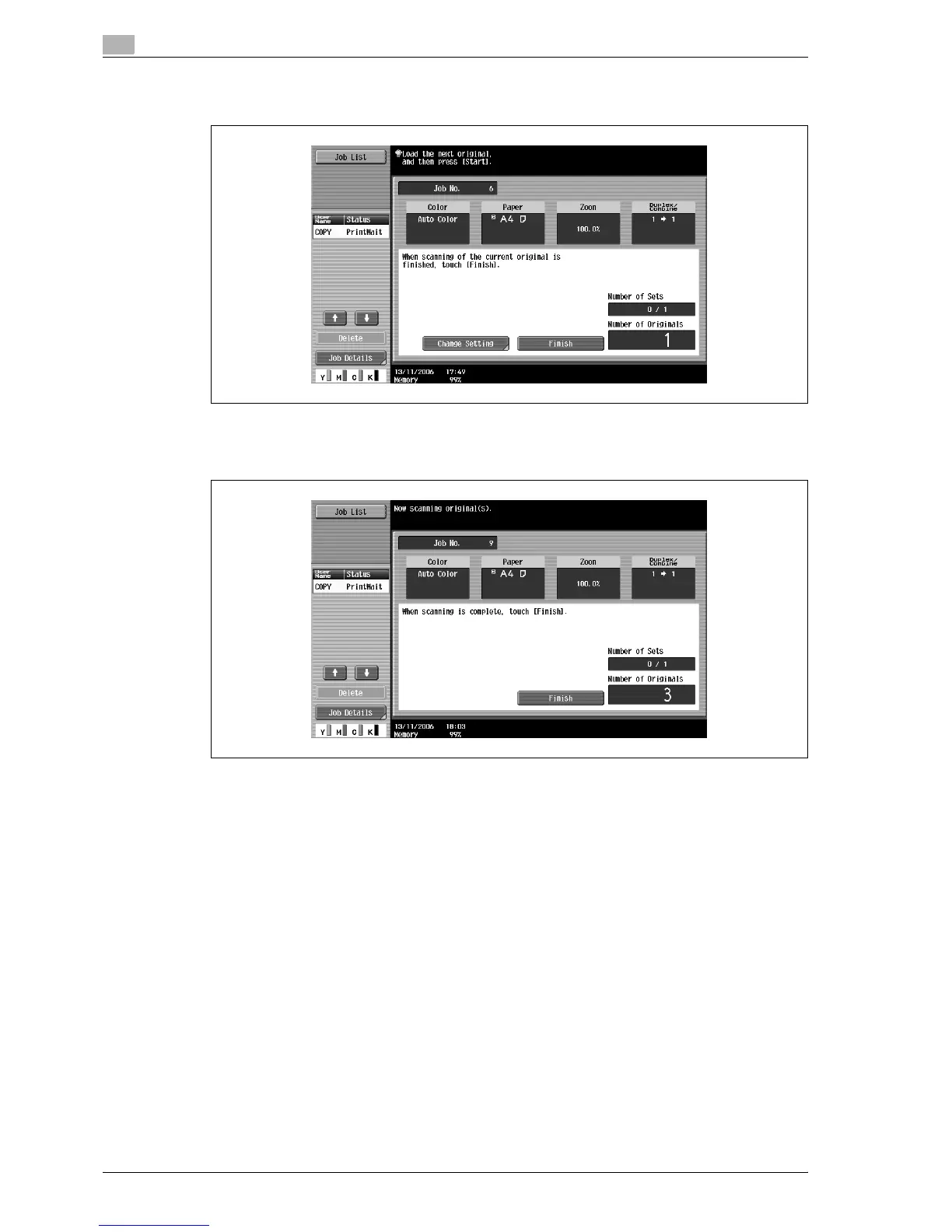
After the original has been scanned, the following message appears.
– Load the next batch of the original, and then press the [Start] key.
– If the "Separate Scan Output Method" parameter is set to "Batch Print", touch [Finish] in the
following screen, which appears while the original is scanned with the ADF, to continue to step 5.
– If the original cannot be loaded into the ADF, place it on the original glass. For details on the types
of originals that can be loaded into the ADF, refer to "Originals" on page 7-21.
– To change the scanning settings, touch [Change Setting]. For details on changing the scanning
settings, refer to "Changing scan settings for each original" on page 3-31.



 To Next Page