CS193/CS173/CS163 3-17
Basic copy operations
3
9 Press the [Start] key.
Scanning begins.
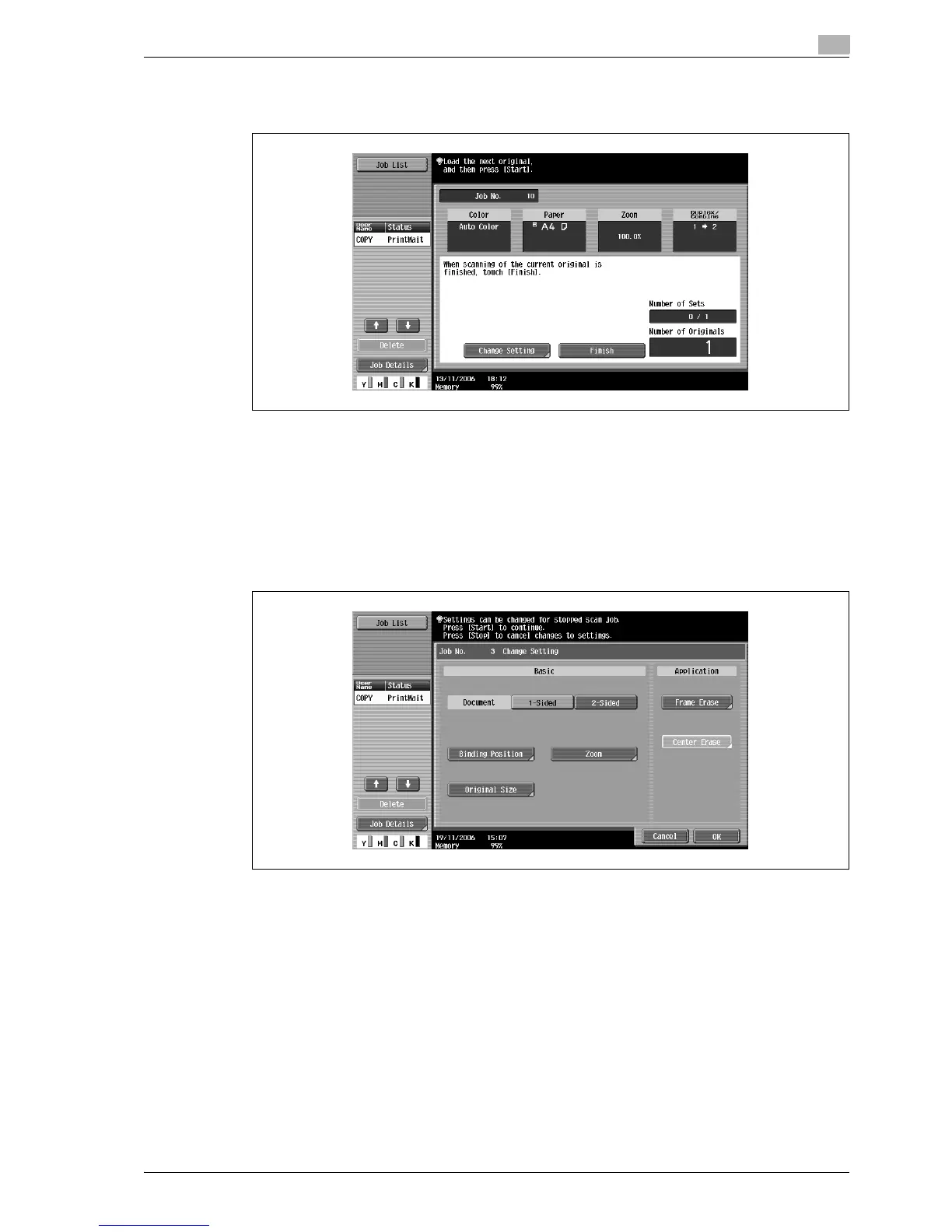
10 Position the second page or second side of the original onto the original glass, and then press the [Start]
key.
– To scan the remaining pages in the original, repeat step 10.
– To change the scanning settings, touch [Change Setting]. For details on changing the scanning
settings, refer to "Changing scan settings for each original" on page 3-31.
– The buttons that appear in the screen for changing the settings differ depending on the specified
settings. Settings for the following can be changed.
1-Sided/2-Sided, Binding Position, Zoom, Frame Erase, Center Erase, Original Size
– To cancel changes to the settings, touch [Cancel].



 To Next Page