Operation
R-Concept
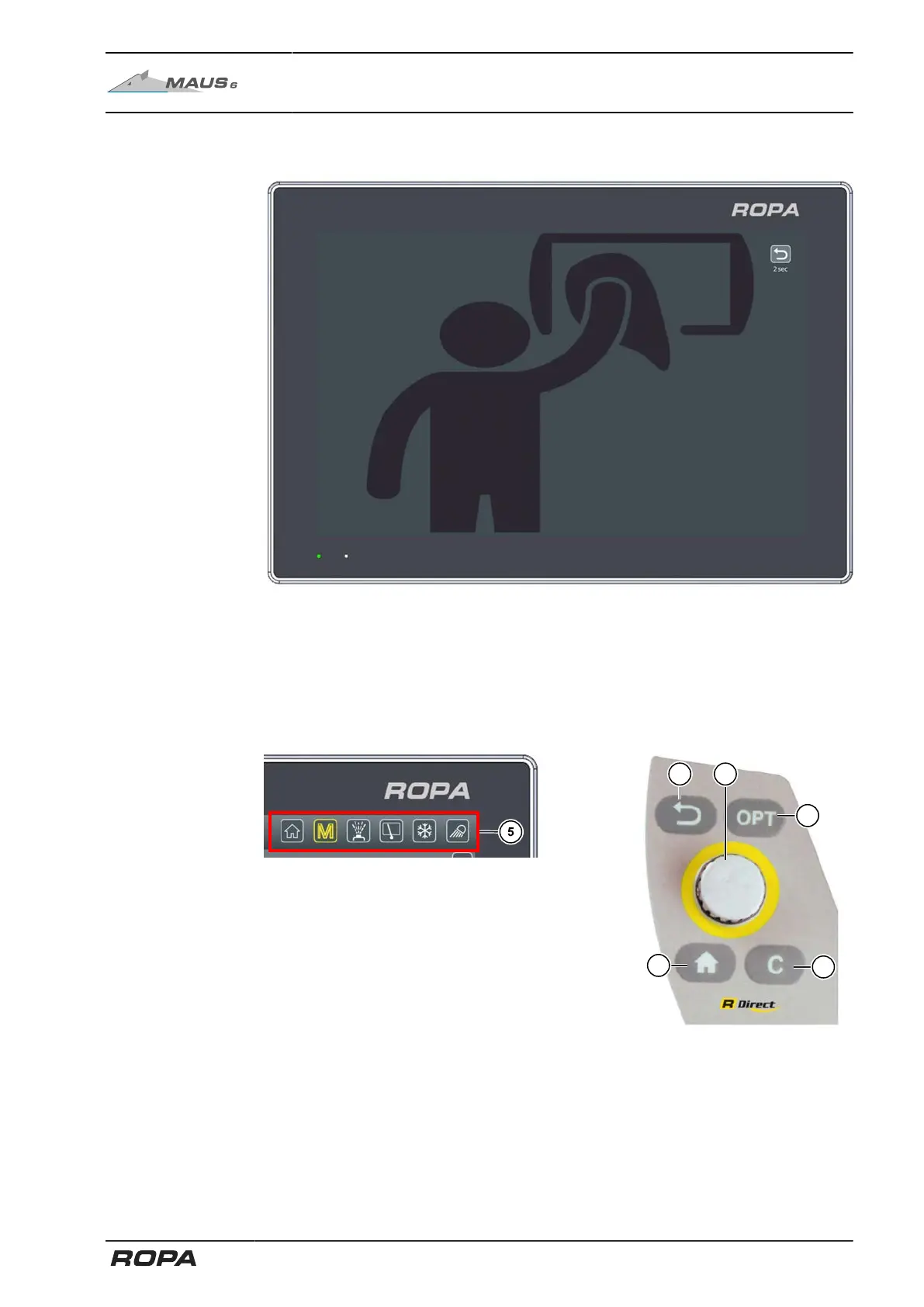
6.3.1.3 R-Touch cleaning mode
Cleaning mode (See Page 114) starts a screen saver so you can clean the screen
with a microfibre cloth without adjusting machine settings.
To exit the cleaning mode, press the Return key in the upper right corner until the dis-
played time is up.
6.3.2 Functional area R-Direct
R-Direct operating panel
At the R-Direct functional area (5) (YELLOW colour of operating panel) the driver has
access to the main menu, water spray system control, window wiper control, climate
control and lighting control. (See Page 88)
115 / 546



 To Next Page