Operation
R-Concept
6.3.2.1 HOME key
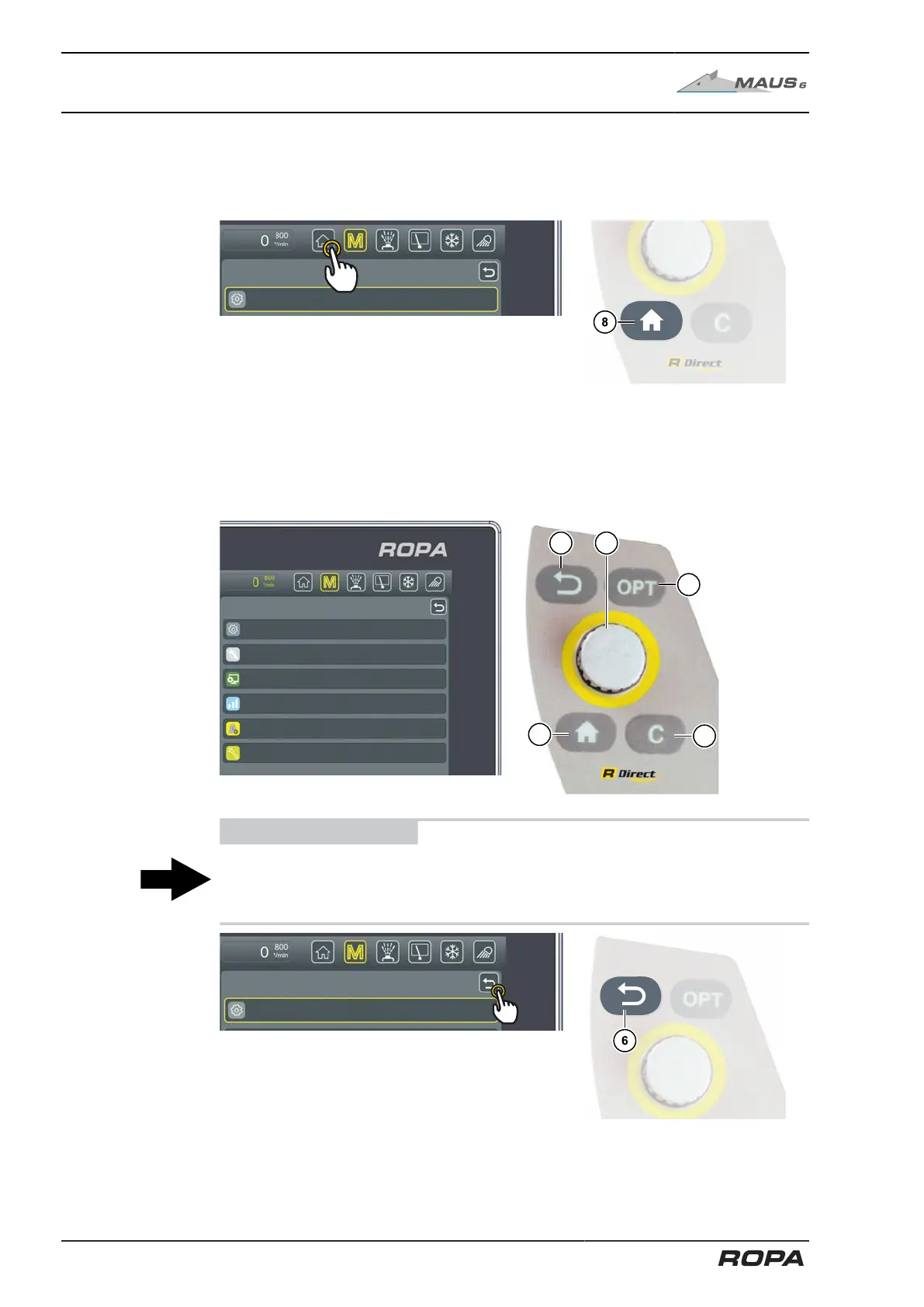
The HOME key (8) is always available on the R-Touch colour terminals as well as on
the R-Direct operating panel. Press the HOME key once to return to the main screen.
6.3.2.2 Main menu
All submenus of the main menu can be selected with help of the R-Touch colour ter-
minals or R-Direct rotary wheel (5a).
ADVICE
The RETURN key (6) is always available in the menu area as well as on the R-Direct
operating panel. Pressing the key RETURN you go step by step back to the main
screen.
116 / 546



 To Next Page