Operation
R-Concept
6.3.5 R-Touch auxiliary terminal
Quick access bar is hidden
ADVICE
Unlike the main terminal, the auxiliary terminal cannot be operated with R-Direct or R-
Select. The auxiliary terminal can only be operated by touching.
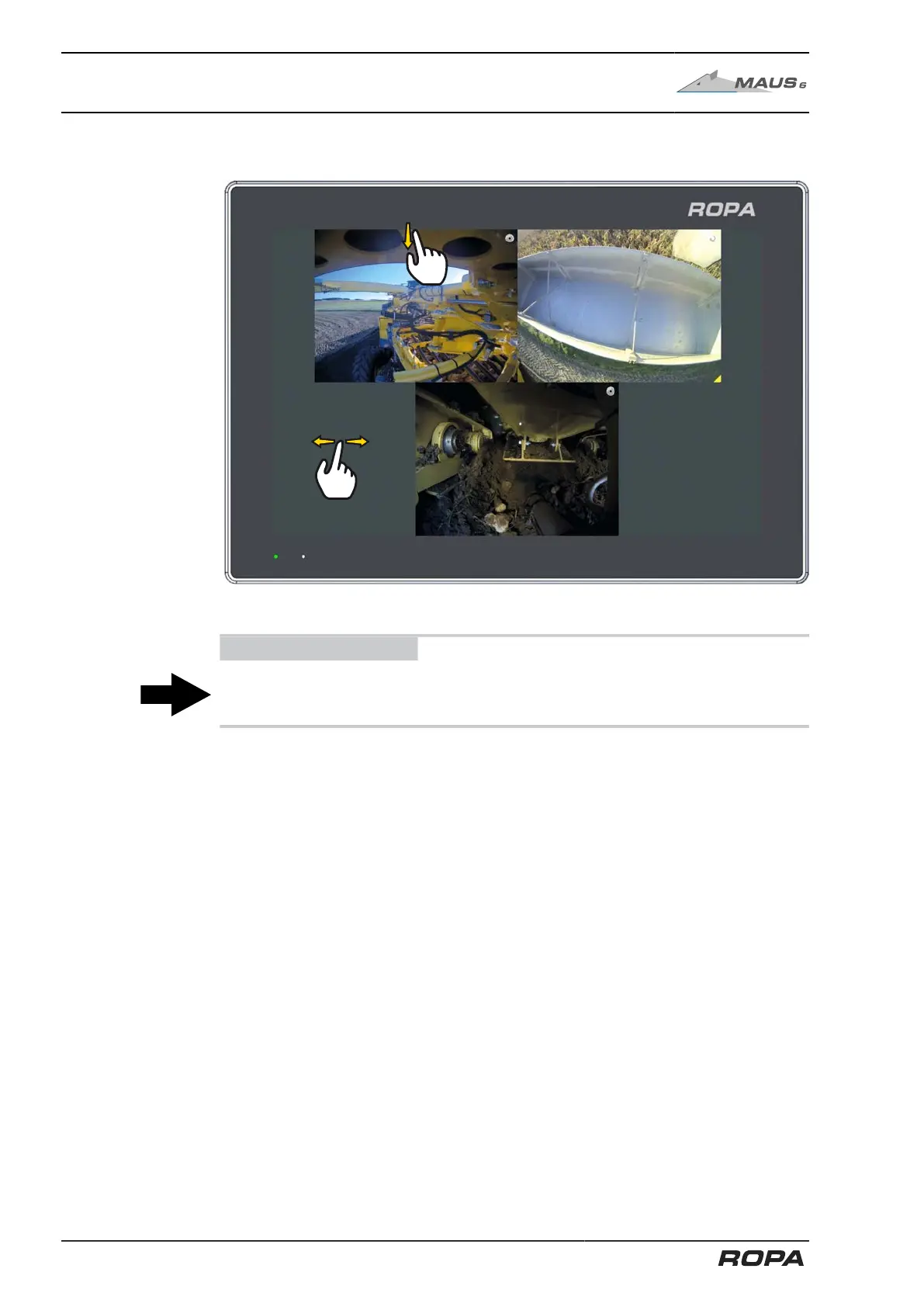
The auxiliary terminal is primarily used to display the images from the built-in video
cameras of the machine. Images of up to four different cameras can be displayed
simultaneously.
Show the quick access bar
Touch the top edge of the auxiliary terminal display and swipe from top to bottom.
Thus you open the quick access bar.
To hide the quick access bar, touch it and swipe from bottom to top. Alternatively, the
quick access bar fades automatically after 3 seconds.
150 / 546



 To Next Page