Operation
Driving
6.9.2.1 Automatic feed switch-on
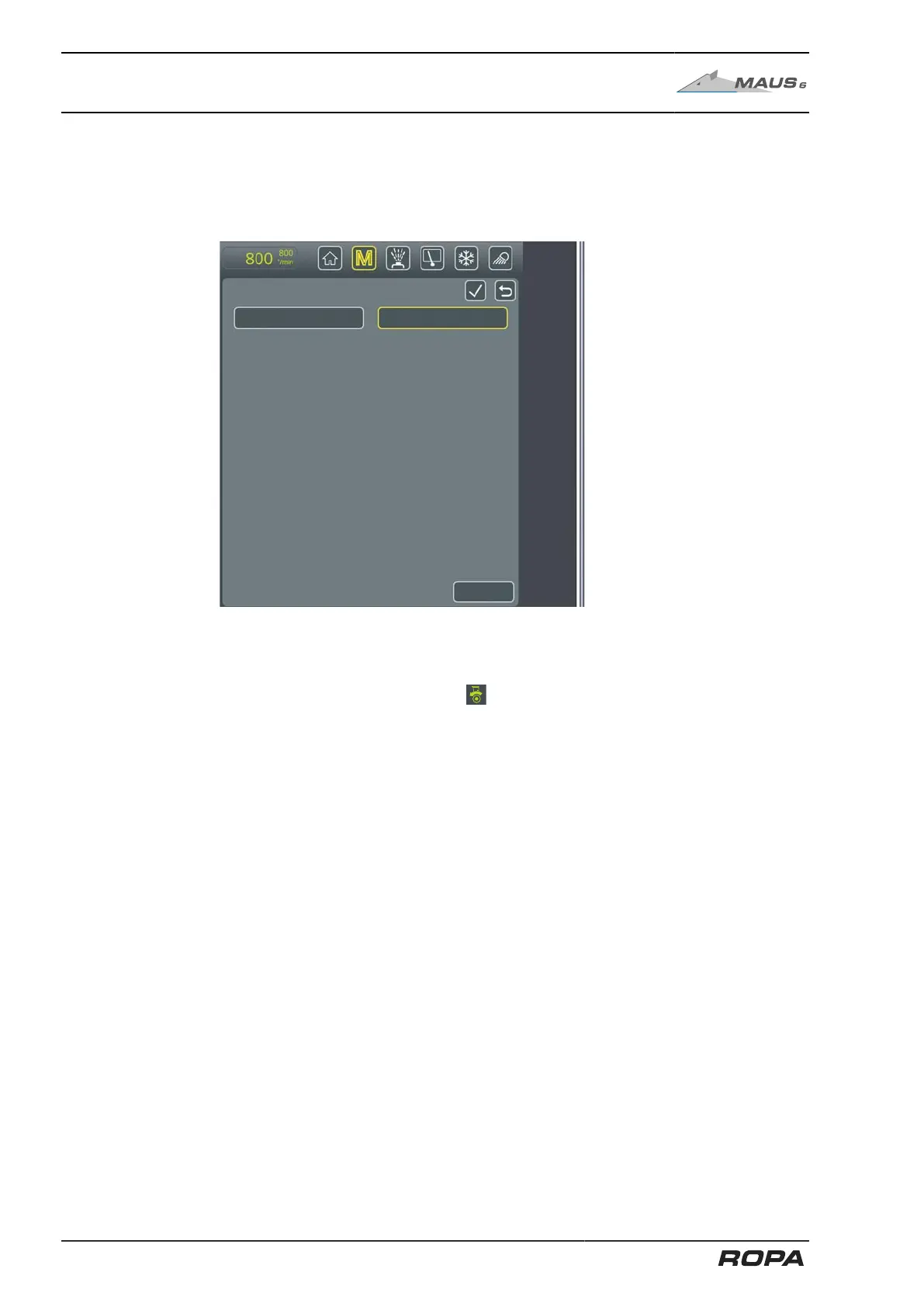
Each time the ignition is switched on and the operating mode is changed (Rabbit
↔ Turtle), the following window appears on the R-Touch after the machine drive is
switched on (yellow button (6)):
Feed - automatic activation
Automatic activation of feed
Now select "On" to activate the automatic feed. Confirm the entry.
This confirmation activates the automatic function of the traction drive. Now press the
key (2) to switch on the feed. After switching off the machine drive, the display field
for traction drive status (28) flashes . This means that: after the next switch-on of
the machine drive, forward driving motion starts automatically (as soon as the pickup
rollers start to rotate). Pressing the key (2) is therefore no longer required. This func-
tion remains activated until the operating mode is switched again or until the ignition is
switched off. For safety reasons, pressing the key (3) also switches off the automatic
feed switch-on.
196 / 546



 To Next Page