Operation
Scales (option)
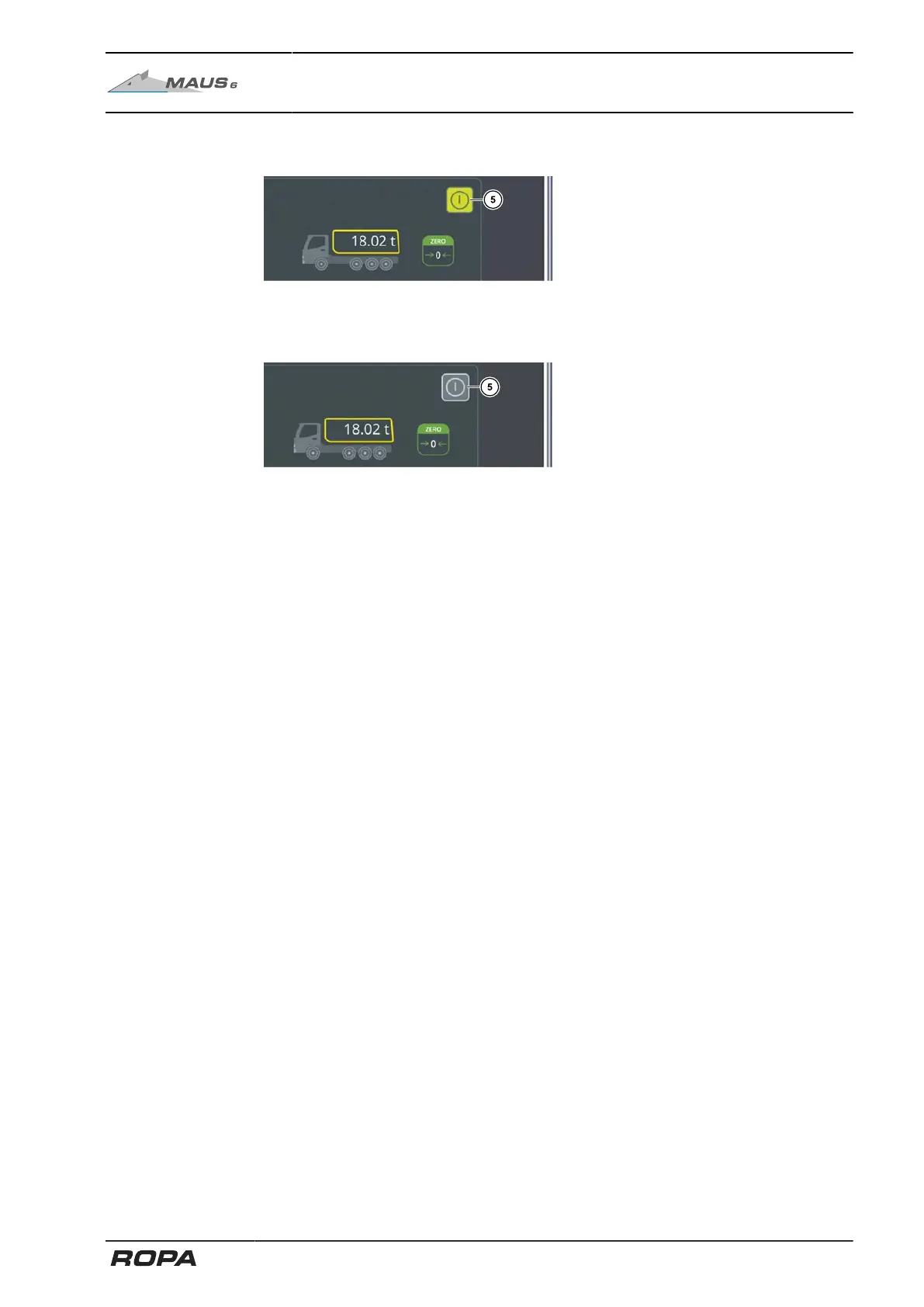
6.16.2.3 Start/end weighing
Weighing started: Scale touch field
highlighted in green
Touch the field (5) to start the weighing
process.
Weighing finished or interrupted: Scale
touch field highlighted in grey
To end or stop the weighing process
touch the field (5) as well.
301 / 546



 To Next Page