Operation
Water spray system (option)
ADVICE
The level sensor evaluates the filling level only in 5 stages (20 %), therefore small
steps in the adjustment of the warning threshold are sometimes not effective.
6.15.3.4 Water-saving operation (timer control)
The system only sprays if the machine drive is switched on.
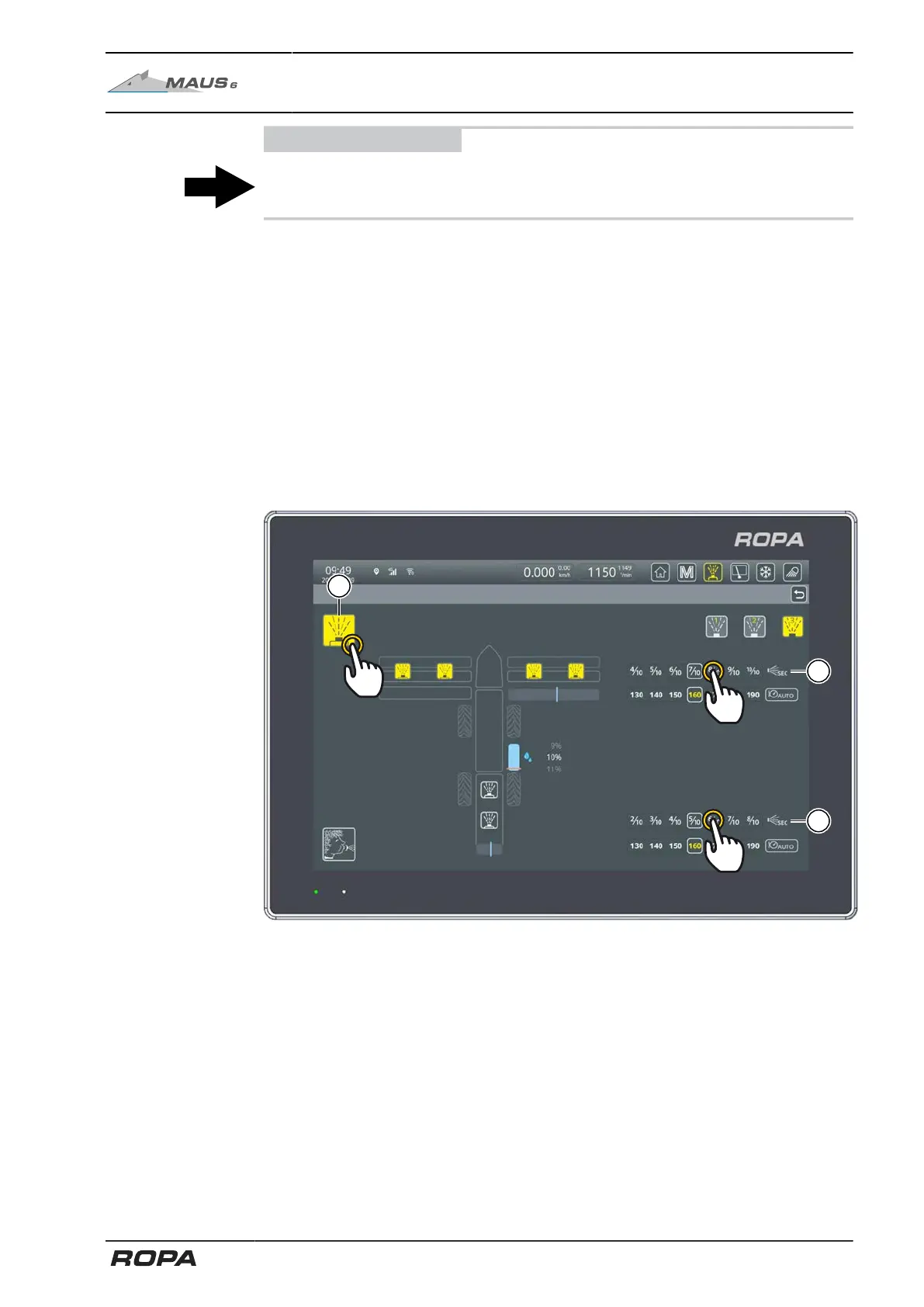
Touch the switch panel (13) to activate timer control.
For the best possible control of wetting and to save water at the same time, the spray
times for the 4-part pinch rollers (33) and recleaning (34) can be set separately. Tap
the indicator bar and move it to the left or to the right.
– completely to the right (10/10), continuous operation
– to the left, reduces the operating time of the spray interval One interval is 10 sec-
onds.
A setting of 5/10 means that the system sprays for 5 seconds and then stops for
5 seconds.
293 / 546



 To Next Page