Operation
R-Concept
6.3.2.6.1 Configuration of light programs
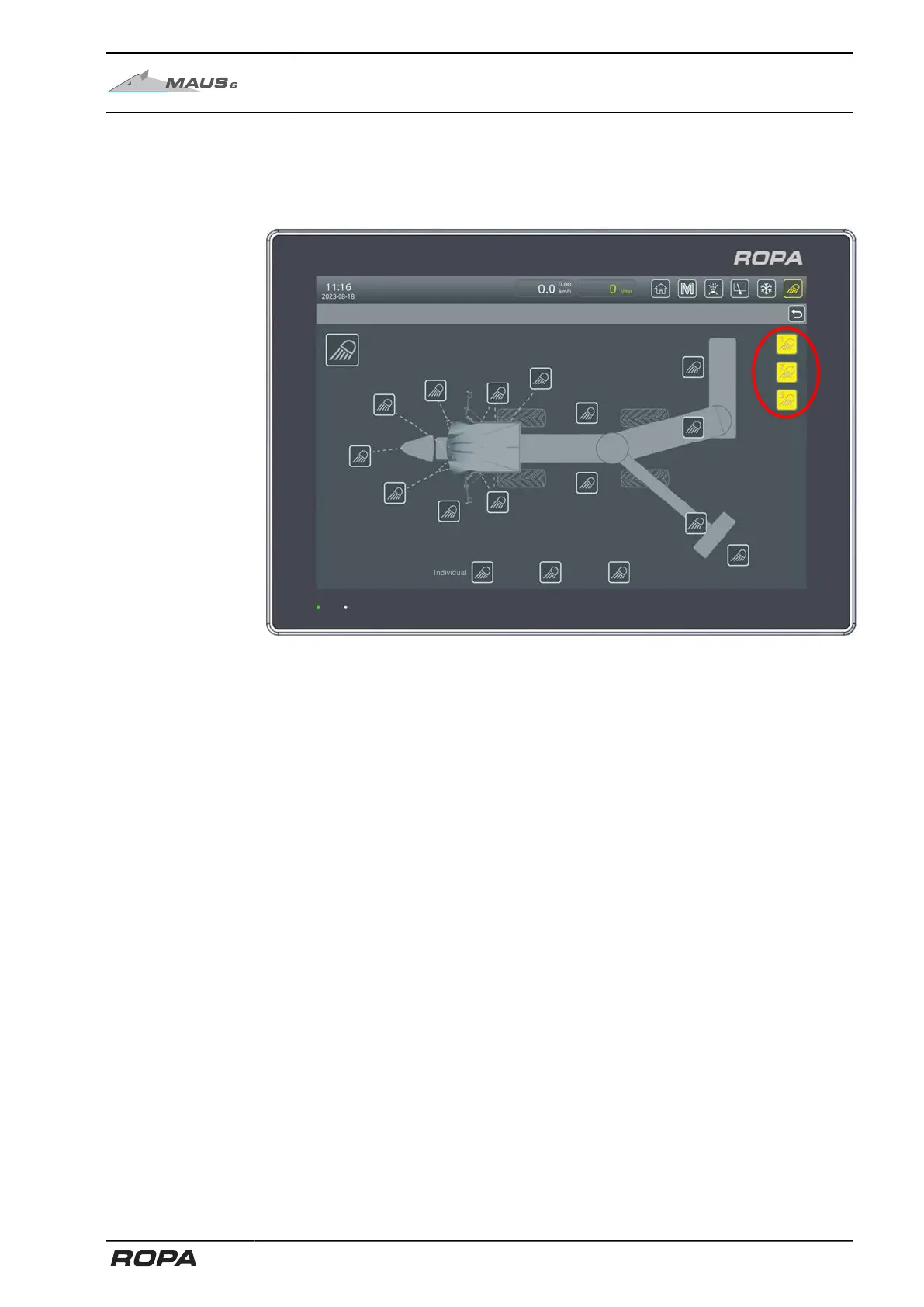
The light programs 1-3 can be individually assigned according to your wish. To do this,
switch on the lights you want to add to a program. By touching and holding the light
program touch fields you save the currently active lights in that light program.
The lights and lighting programs can be selected either by touching the screen or by
turning and pressing the R-Direct rotary wheel.
141 / 546



 To Next Page