Operation
Diesel engine
Manual adjustment of the engine speed
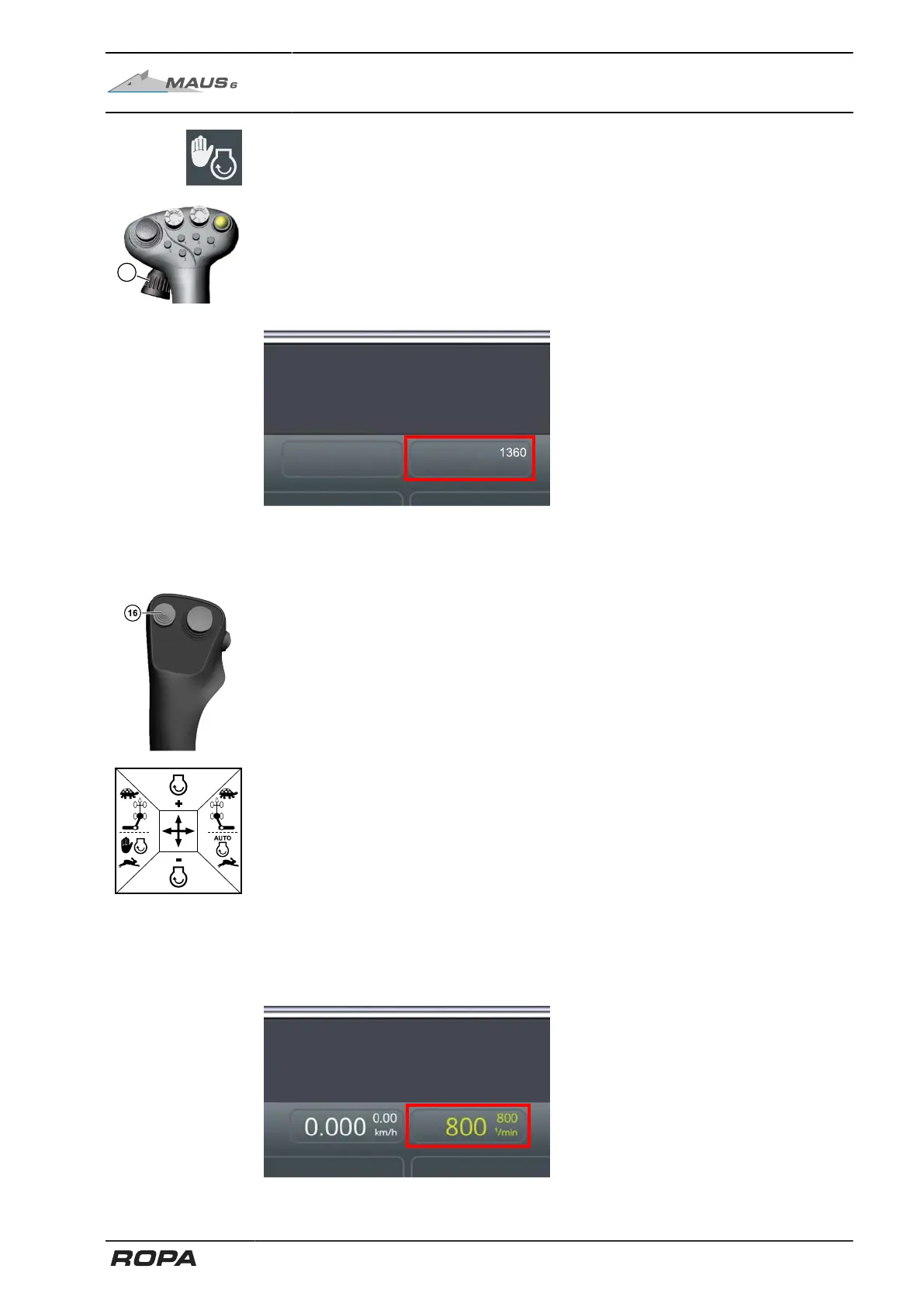
Manual engine speed adjustment in the Rabbit operating mode can only be performed
using the rotary wheel (14) on the right joystick. The highest engine speed is at about
1,500 rpm. This variant is the most suitable for driving on uneven terrain.
6.7.2.2 Engine speed adjustment in Turtle operating mode
Manual adjustment of the engine speed
Engine rotational speed adjustment is manually performed by moving the X-Y key (16)
forward/backward on the left joystick.
Press the X-Y key (16) briefly forward: The engine rotational speed increases with
each press by 25 rpm.
Pull the X-Y key (16) briefly backward: The engine rotational speed decreases by 25
rpm with each press.
Press the X-Y key (16) forward/backward and hold it: The engine rotational speed will
continue to change for as long as you keep the key pressed.
Automatic engine speed adjustment (automotive loading)
To activate the automotive engine speed adjustment, press the X-Y switch (16) and
hold it briefly. You can tell if the engine speed is active by the text displayed in green.
173 / 546



 To Next Page