Operating Components
Operating console R-Concept
5.9.2 R-Touch auxiliary terminal
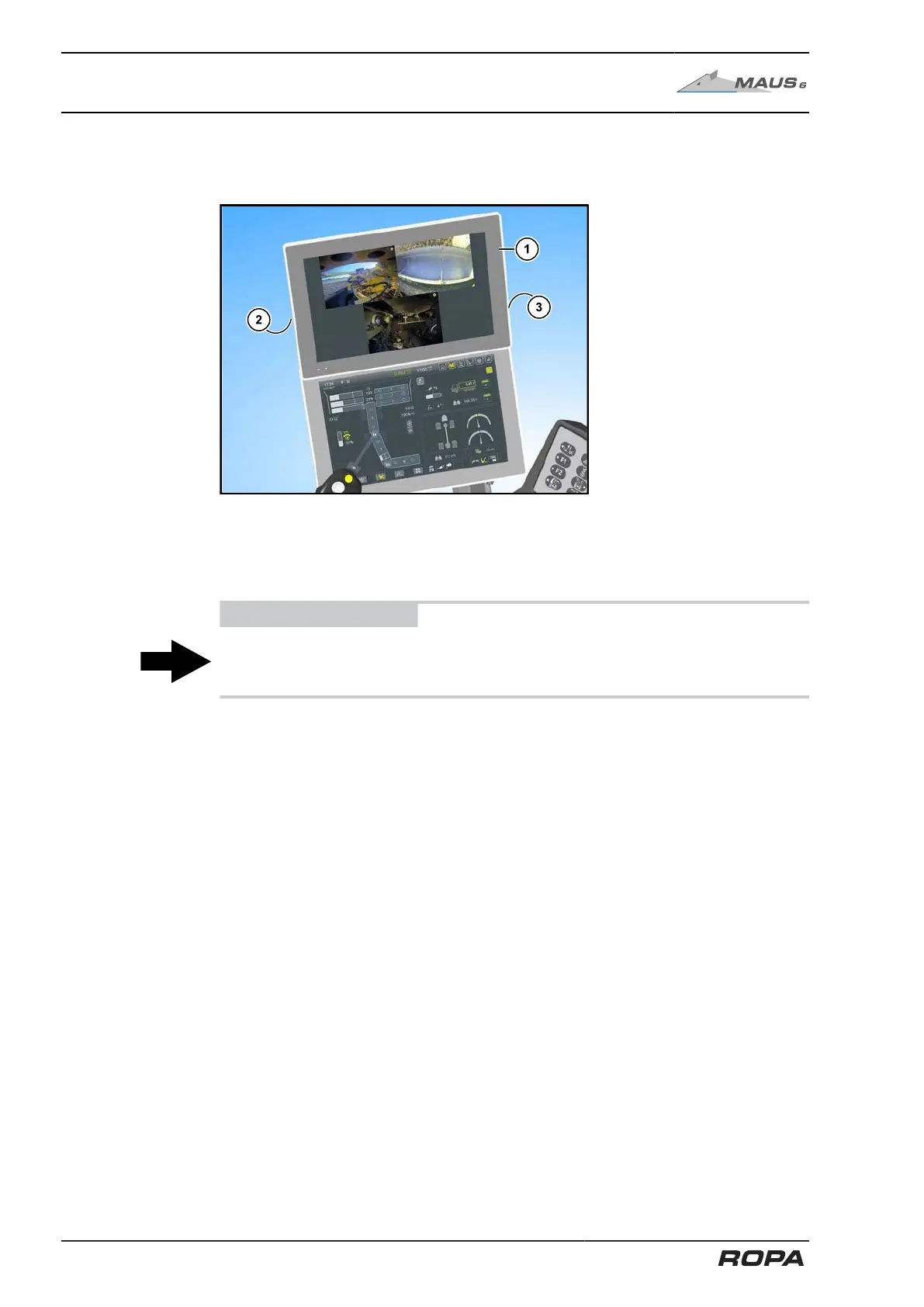
The auxiliary terminal is installed above the main terminal.
The R-Touch auxiliary terminal (1) is primarily used to display the images from the
built-in video cameras and to select their view formats. The operation of all functions of
the auxiliary terminal is described in Chapter 6 (See Page 150).
A USB-port is located on the left side of the terminal (2).
ADVICE
A key to restart the terminal (3) is located at the rear right side of the terminal.
Use this key only in emergency cases, e.g. if there is no response from the terminal.
84 / 546



 To Next Page