Operation
Scales (option)
6.16.2.7 Scale calibration
ADVICE
Calibration is not a daily process. The calibration value should always be adjusted
after consulting a responsible person!
Clean the rollers on the weighing frame as well as preceding and following rollers. The
truck conveyor belt and its carriers should be kept either clean or only very slightly
dirty. Perform zeroing (See Page 304). Reset the day counter and the weight of the
current loading. Weigh the first loading and note the indicated weight.
Have the actual weight of this load weighed on a calibrated scale by the consignee.
This is the only way to include the loss of weight due to the fuel used during transport
to the consignee.
As soon as this exact value is available, proceed as follows:
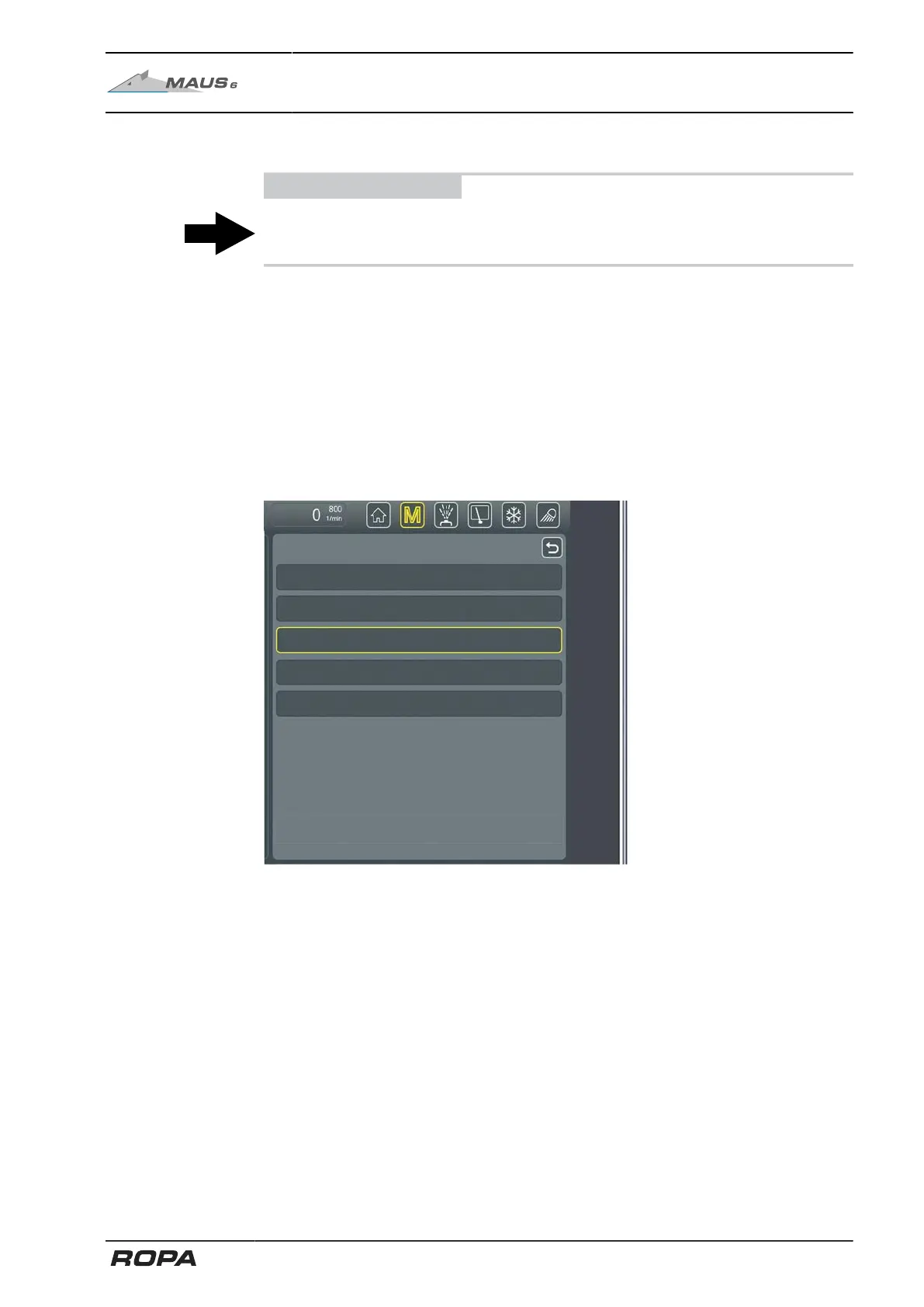
Reset the day counter and the weight of the current loading. Select the "Scale calibra-
tion" menu item in the Scales menu.
307 / 546



 To Next Page