Operation
Scales (option)
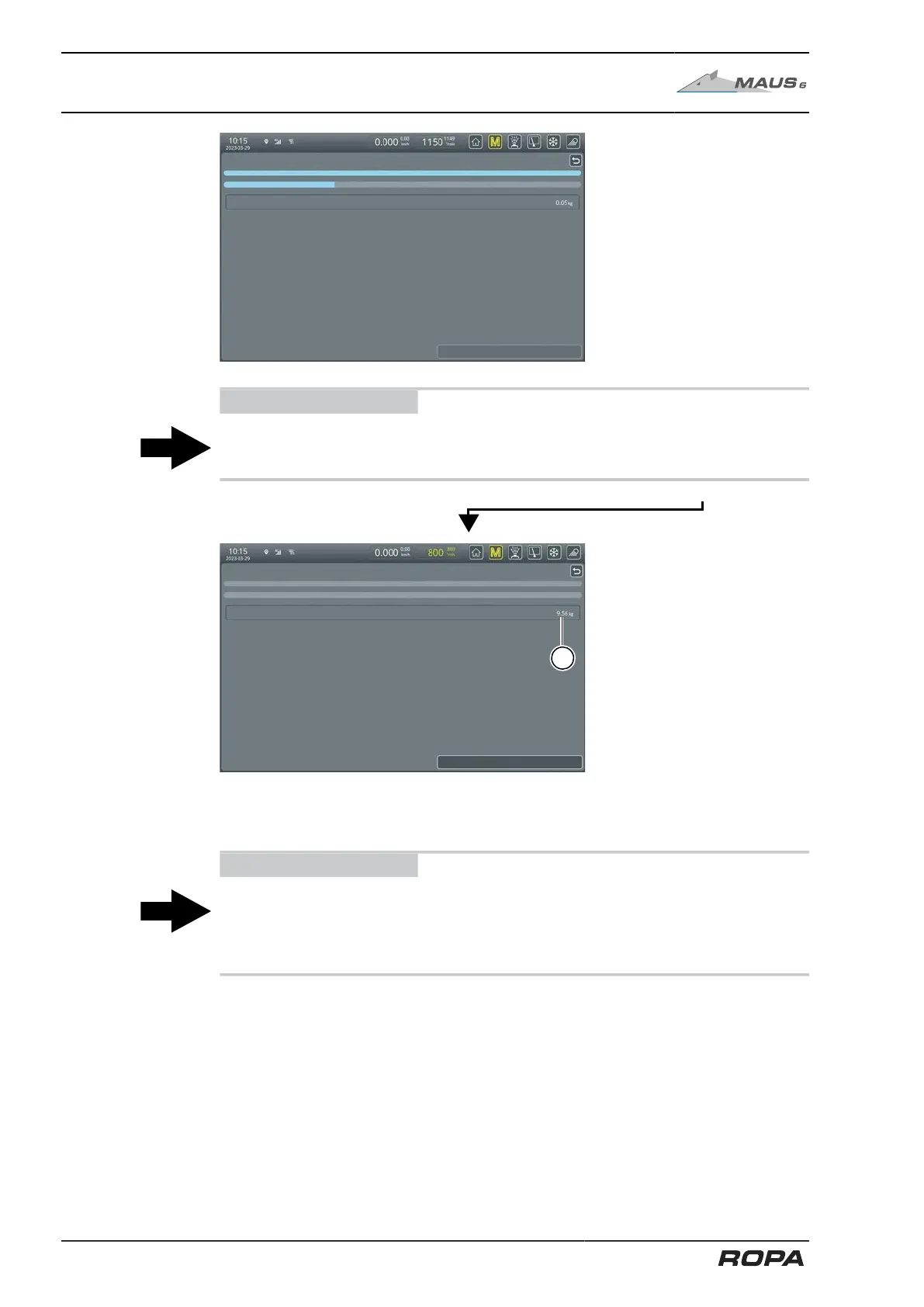
Zero point adjustment in progress.
The following message
appears: "Zero point
adjustment in progress".
The indicator graph below
must now progress to the
right end.
ADVICE
Do not switch off the machine drive during this period!
Switch it off only in case of emergency!
Zero point adjustment is completed.
(2) Display of the new zero point
Please wait until the R-
Touch displays the follow-
ing message: "Zero point
adjustment is completed."
This indicates that the
zeroing process is com-
plete.
Exit the menu by pressing the "Return" key.
ADVICE
You can repeat the zero point adjustment as often as you like, but the result may
not differ significantly. If the difference is too great each time you try again, the
cause of the difference must be eliminated. First of all, try to clean the scales (See
Page 420).
306 / 546



 To Next Page