Operation
R-Concept
6.3.5.2.2 Configuration of individual camera views
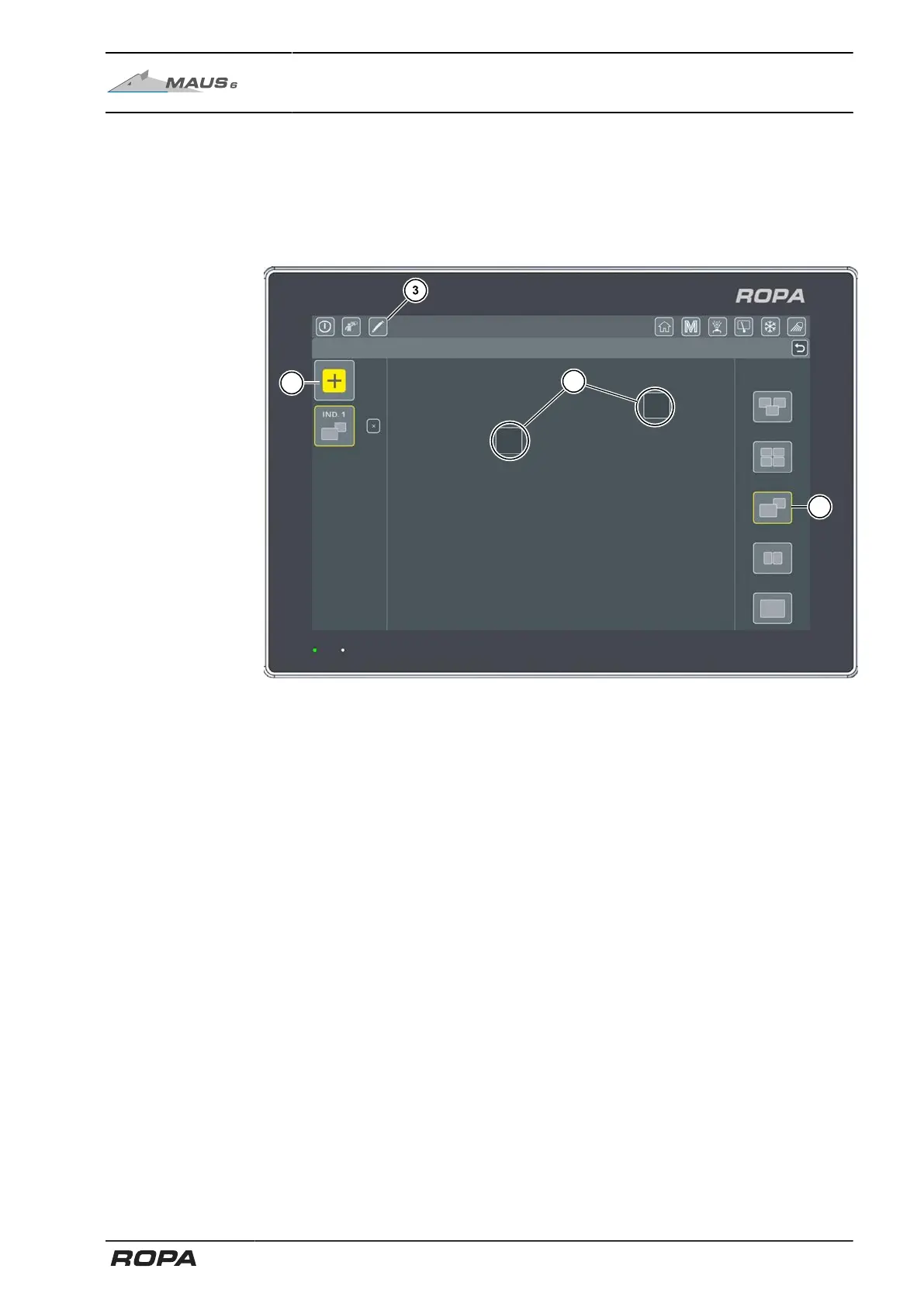
To configure the individual camera views, press the Configure individual camera view
screen button (3).
Users can configure up to three different individual camera views. To do this, press the
screen button for adding individual camera view (10).
Layouts
Individual video layout
(10) Add individual camera view
(11) Layout for an individual camera view
(12) Select camera view to be displayed in this window
The individual camera view to be changed is highlighted in yellow. On the right side of
the screen, you can select one of five different layouts (11).
153 / 546



 To Next Page