Operation
R-Concept
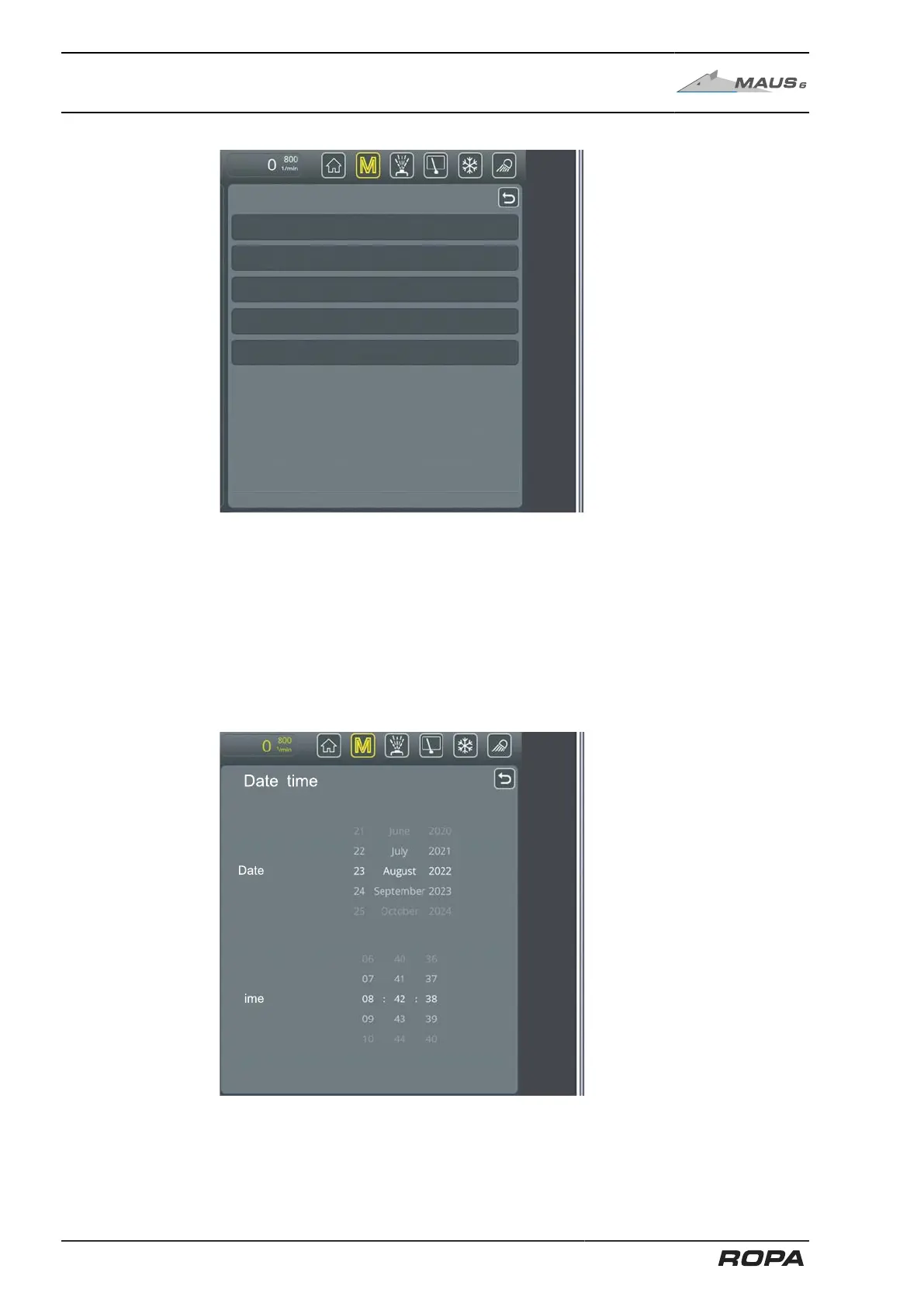
Terminal settings submenu
Volume level errors
Volume level system
Language
Key tone
In the line "Brightness" you can set the brightness of the screen.
In the line "Volume level errors" you can set the volume level of the warning and advi-
sory tones.
In the "System volume level" line you can set the volume level of the system (e.g. vol-
ume of the key tones).
In the "Language" line you can set the language of the R-Touch colour terminals.
In the "Key tone" line you can switch on or off sound of the display keys.
Date/time submenu
120 / 546



 To Next Page