Operation
Loading operation
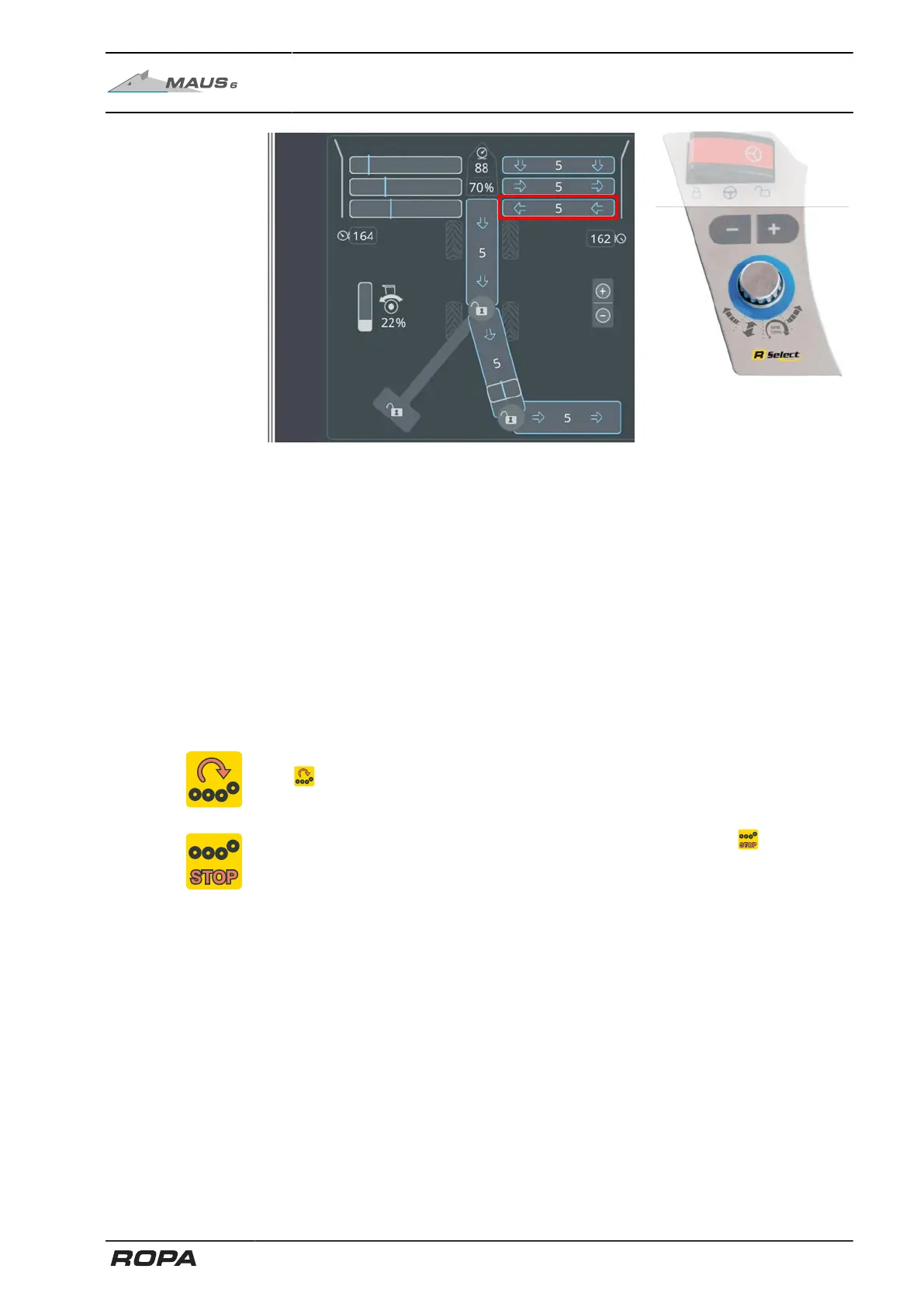
Speed of 4-part pinch rollers
The rotary speed of the 4-part pinch rollers can be adjusted in ten steps. Choose this
function with R-Select.
+ key = increase rotational speed (more aggressive cleaning and transport)
- key = reduce speed (gentler cleaning and transport)
To treat the beets as carefully as possible, the speed of 4-part pinch rollers should not
be selected higher than necessary.
If the key + is released after the stage 10 is reached and then pressed for at least
three seconds, the "Max" stage is reached. The highest hydraulic drive speed
is achieved in the "Max" stage. The "Max" stage should only be used in case of
extremely sticky soil. In this stage, the rotational speed of the 4-part pinch rollers is
only dependent on the rotational speed of the diesel engine.
If the warning limit of the 4-part pinch rollers is exceeded, then the following warning
icon is displayed on the R-Touch.
If the 4-part pinch rollers are blocked, then the following warning icon is displayed
on the R-Touch.
In case the 4-part pinch rollers are blocked, then both the conveyor rollers drive and
the pickup rollers drive are switched off.
269 / 546



 To Next Page