Operation
Scales (option)
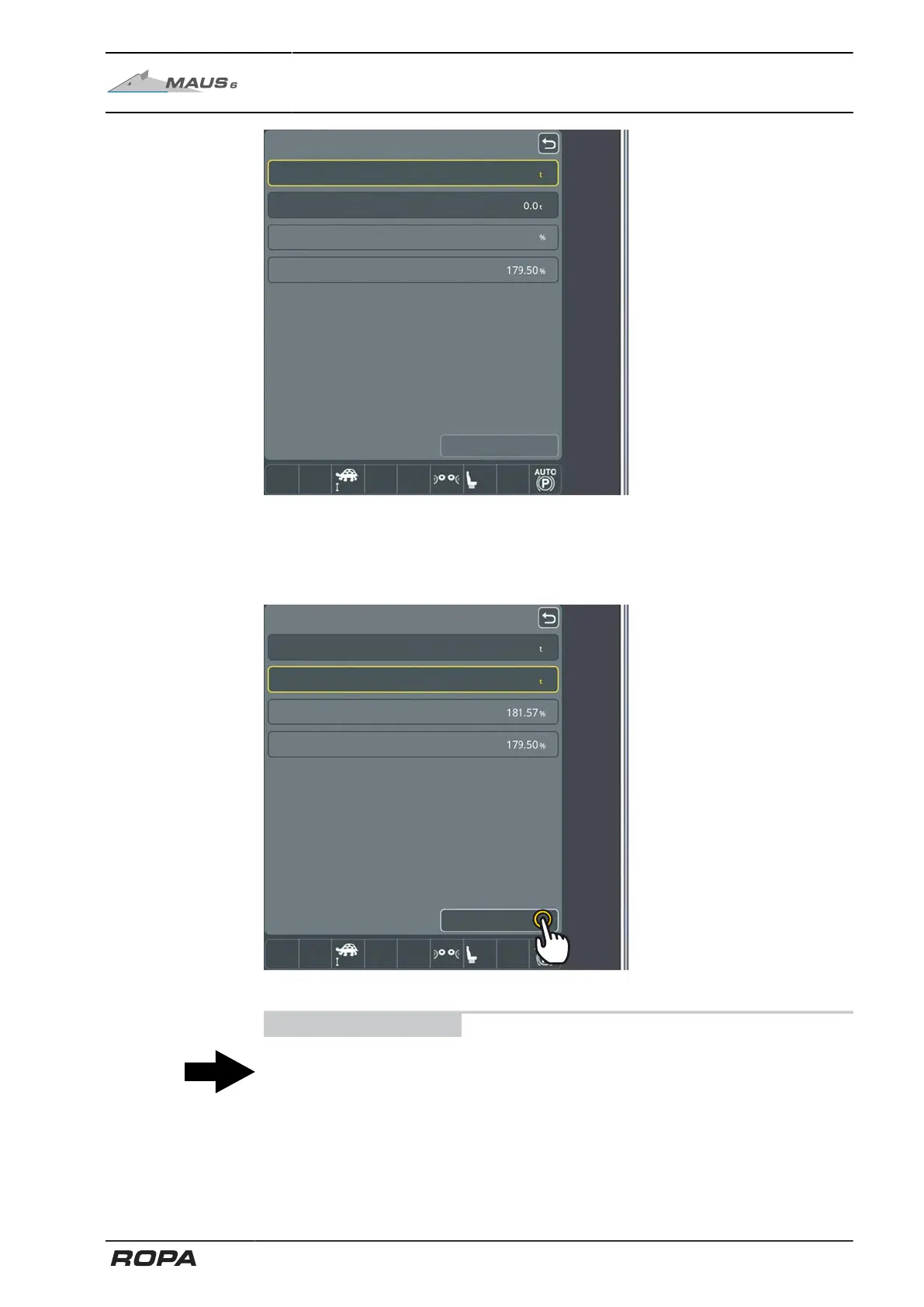
Weight external scale
Calibration value new
Calibration value so far
Save
Enter in the "Weight external scale" the actual weight that was determined for this
loading with the external calibrated scales of the consignee and confirm the input.
The system now calculates the new calibration value and displays the previous and
the new calibration value.
Calibration value new
Calibration value so far
Save
137.5
139.0
Touch the "Save" key and close the menu with the "Return" key.
ADVICE
The more loadings you have recorded for calibration, the better it is for a "meaningful"
calibration value.
We recommend recording the weight of at least five truck loads, better even ten or
more.
There should be no beginning or end of pile as well as no zeroing performed within
those loadings.
309 / 546



 To Next Page