Rovema CMK Operator’s Manual
Section 5: Operator Controls
200246 CMK Operators Manual (02/06/2006) 5-37
HMI (Human-Machine-Interface)
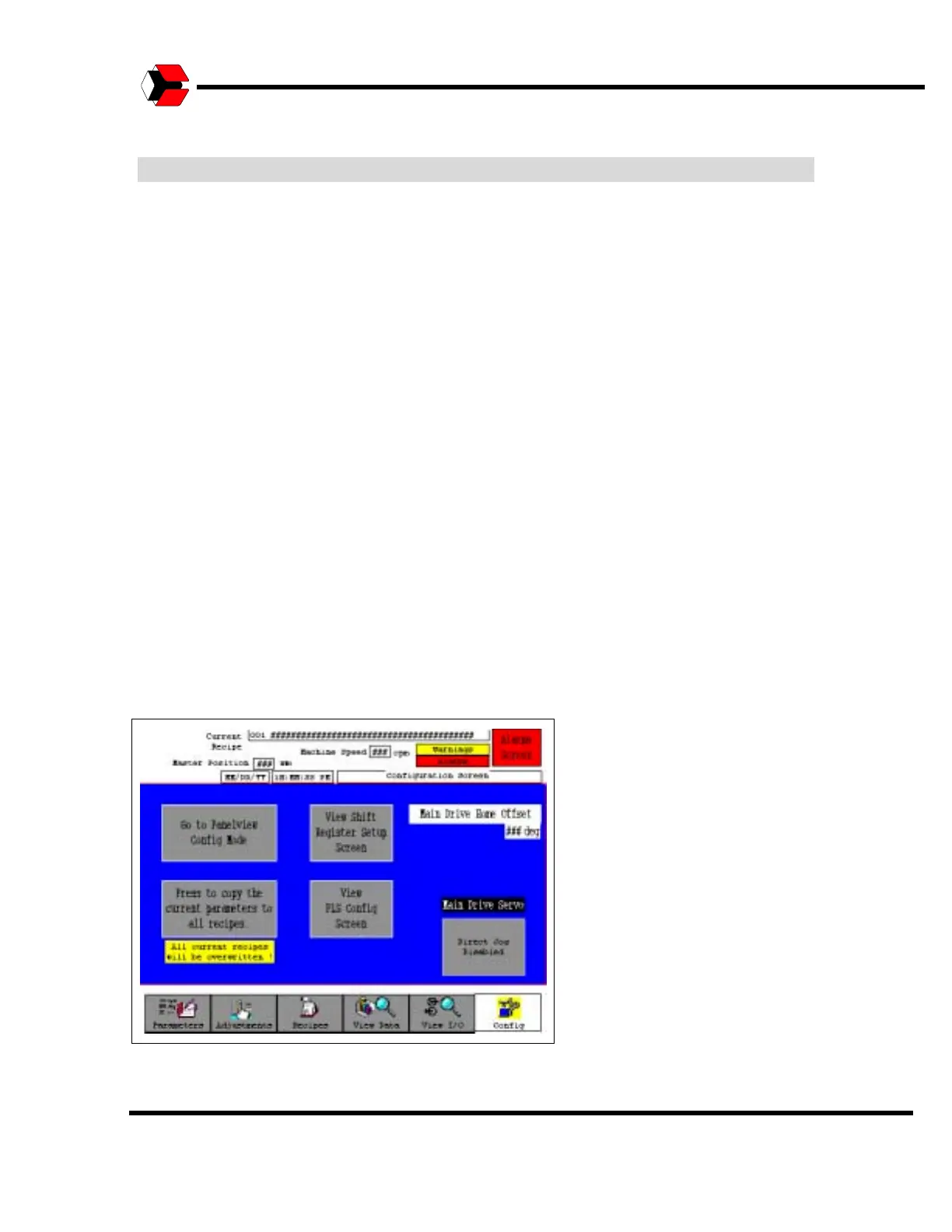
Configuration Screen
The Configuration Screen provides access to the screens used to configure the
system. The Operator will be prompted for a password to enter this screen. Only
properly trained personnel should make adjustments on these screens.
Panelview Config Mode
This button accesses the Panelview Configuration menus. Please consult the
PanelView user’s manual provided by the manufacturer regarding the content of the
PanelView configuration menu.
Copy Current Parameters to All Recipies
The Copy the Current Parameters button will copy the selected parameters to all
recipes in the system. This function should only be used by trained operators.
Main Drive Servo
The “Main Drive Servo” Direct Jog Enable/Disable button: The cartoner is normally
jogged by jogging a “Virtual Master” axis inside the controller which the cartoner’s
physical servo axes follow. Sometimes it may be necessary or desirable to directly
jog the cartoners main drive servo with the cams and other axes disabled.
The View Shift Register Setup Screen and the View PLS Config Screens will be
described separately in this section.
Figure 5.43
Shows the Config screen



 To Next Page