Rovema CMK Operator’s Manual
Section 5: Operator Controls
200246 CMK Operators Manual (02/06/2006) 5-49
HMI (Human-Machine-Interface)
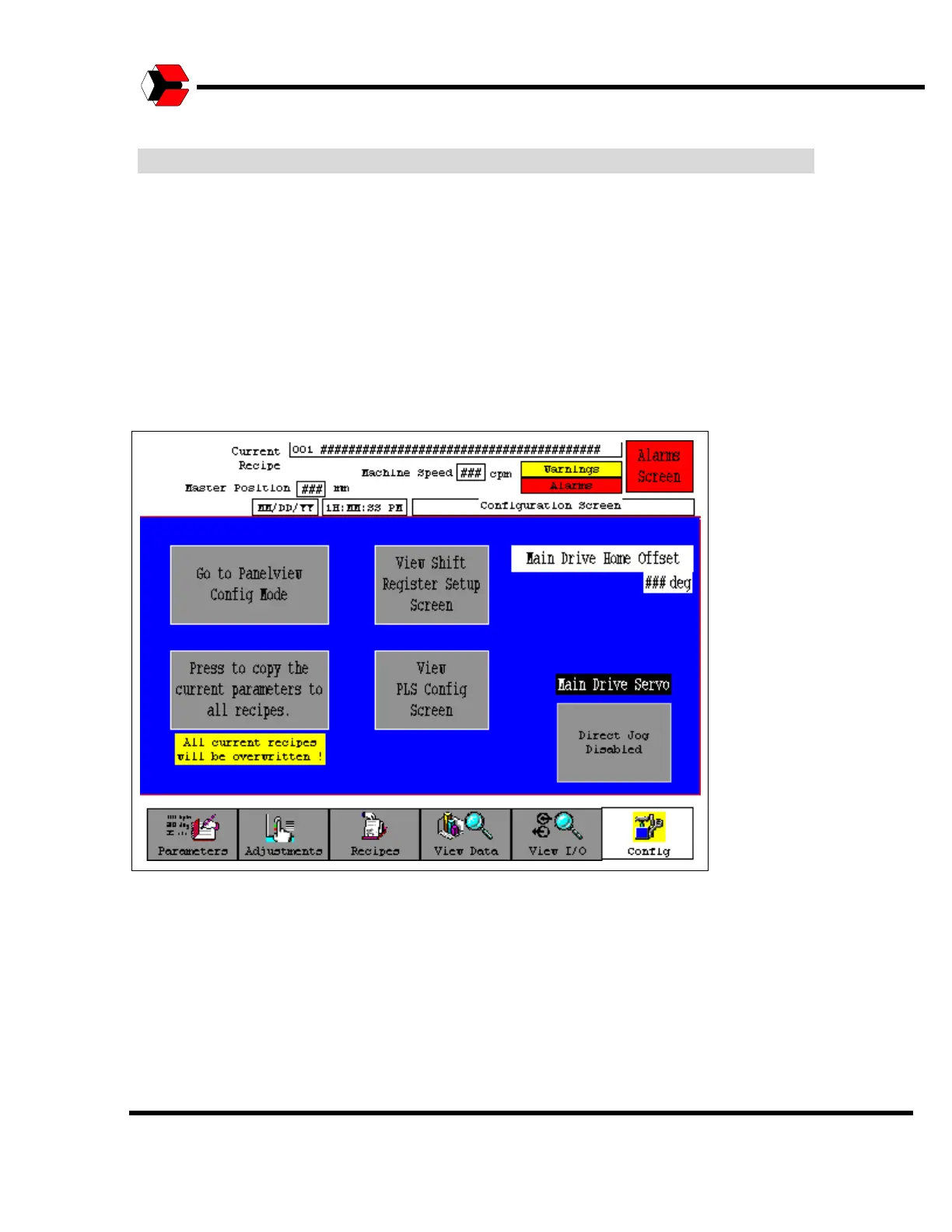
PanelView Configuration Screen
The Operator will be prompted for a password to enter this screen. This screen is
shown in the figure below. Once in the screen, a button will be present that provides
access to the PanelView configuration menu.
Please consult the PanelView user’s manual provided by the manufacturer
regarding the content of the PanelView configuration menu.
Figure 5.56
Configuration Screen



 To Next Page