Rovema CMK Operator’s Manual
Section 9: Troubleshooting
200246 CMK Operators Manual (02/06/2006) 9-2
Alarm Screen
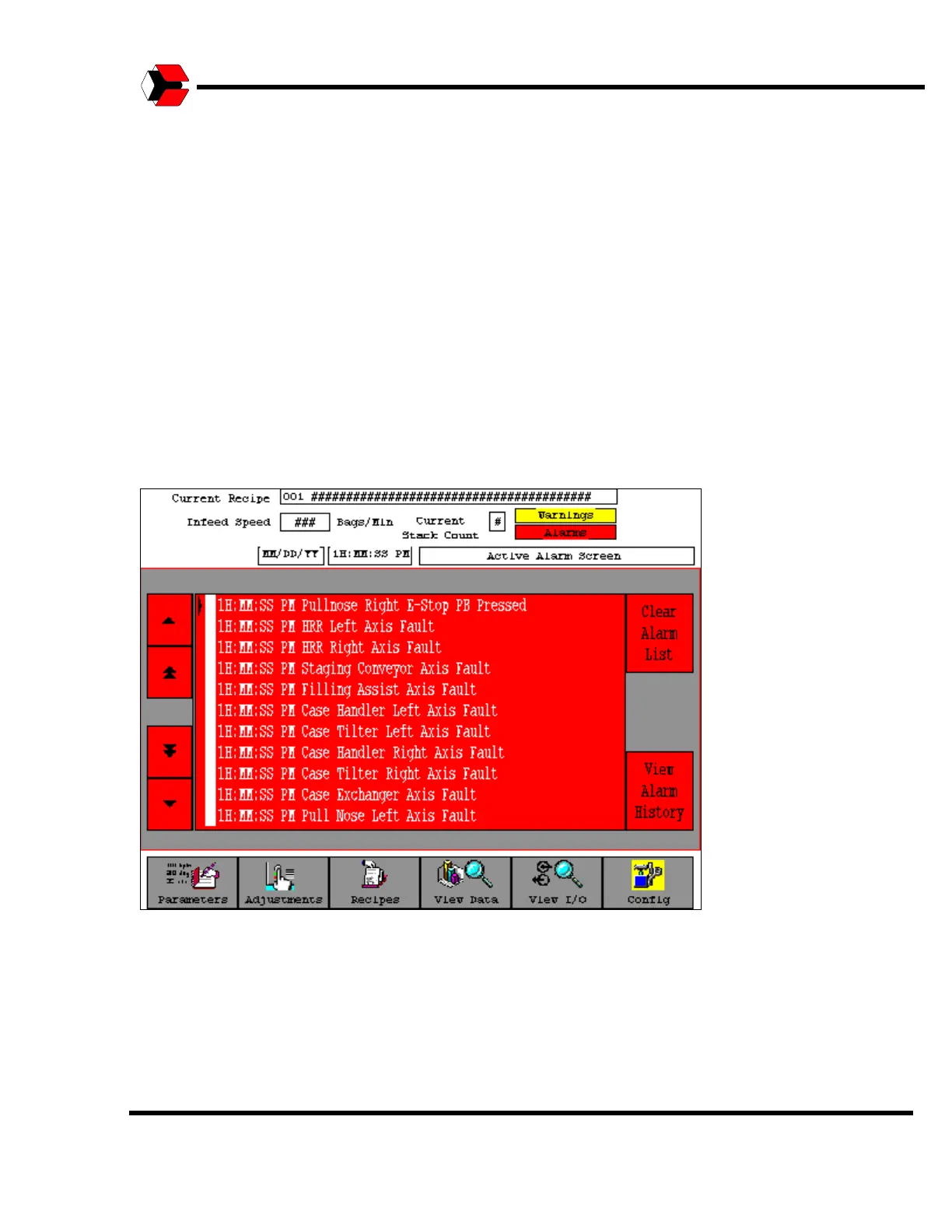
To further aide the operator, two indicator boxes are available in the upper right-
hand portion of each screen. If any immediate or machine stop alarm occurs, the
red “Alarms” indicator box will appear. Also, if any warnings are present, the yellow
“Warnings” indicator box will appear
The time at which the alarm occurred is displayed by each active alarm. An alarm’s
text will be displayed on the Alarm Screen as long as the conditions for the alarm
are present. Some alarm conditions can be resolved simply by pressing the Ready
button, while other alarms require the operator to resolve conditions on the machine
prior to pressing the Ready button.
Figure 9.2
Shows a sample Active Alarm screen.



 To Next Page