Rovema CMK Operator’s Manual
Section 9: Troubleshooting
200246 CMK Operators Manual (02/06/2006) 9-3
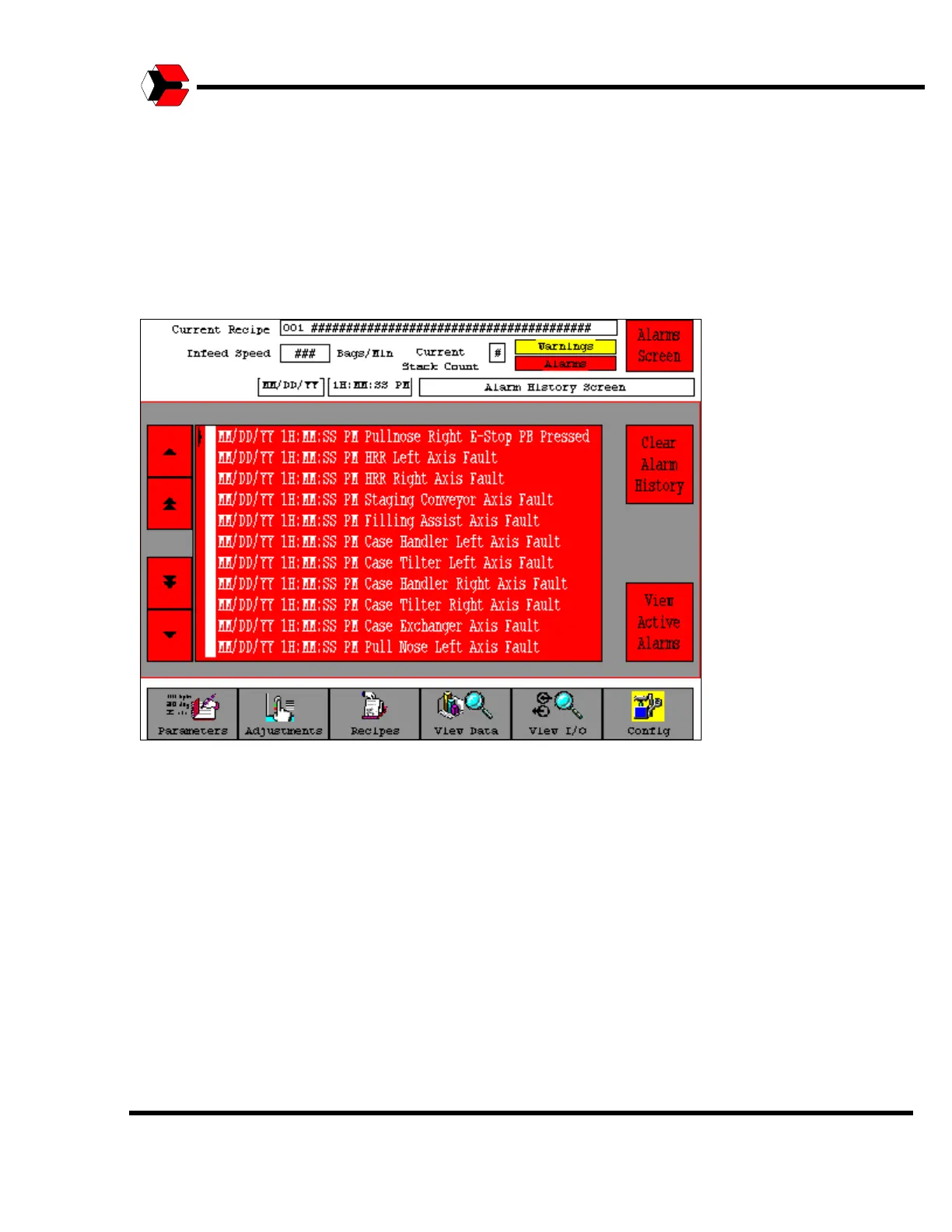
Alarm History Screen
Once an alarm message is cleared from the Alarm screen, the alarm text is stored
with a Date and Time stamp on the Alarm History screen. The operator may clear
the Alarm History by pressing the Clear Alarm History button on this screen.
Figure 9.3
Shows a sample Alarm History screen.



 To Next Page