Rovema CMK Operator’s Manual
Section 5: Operator Controls
200246 CMK Operators Manual (02/06/2006) 5-3
HMI (Human-Machine-Interface)
Menu Tree
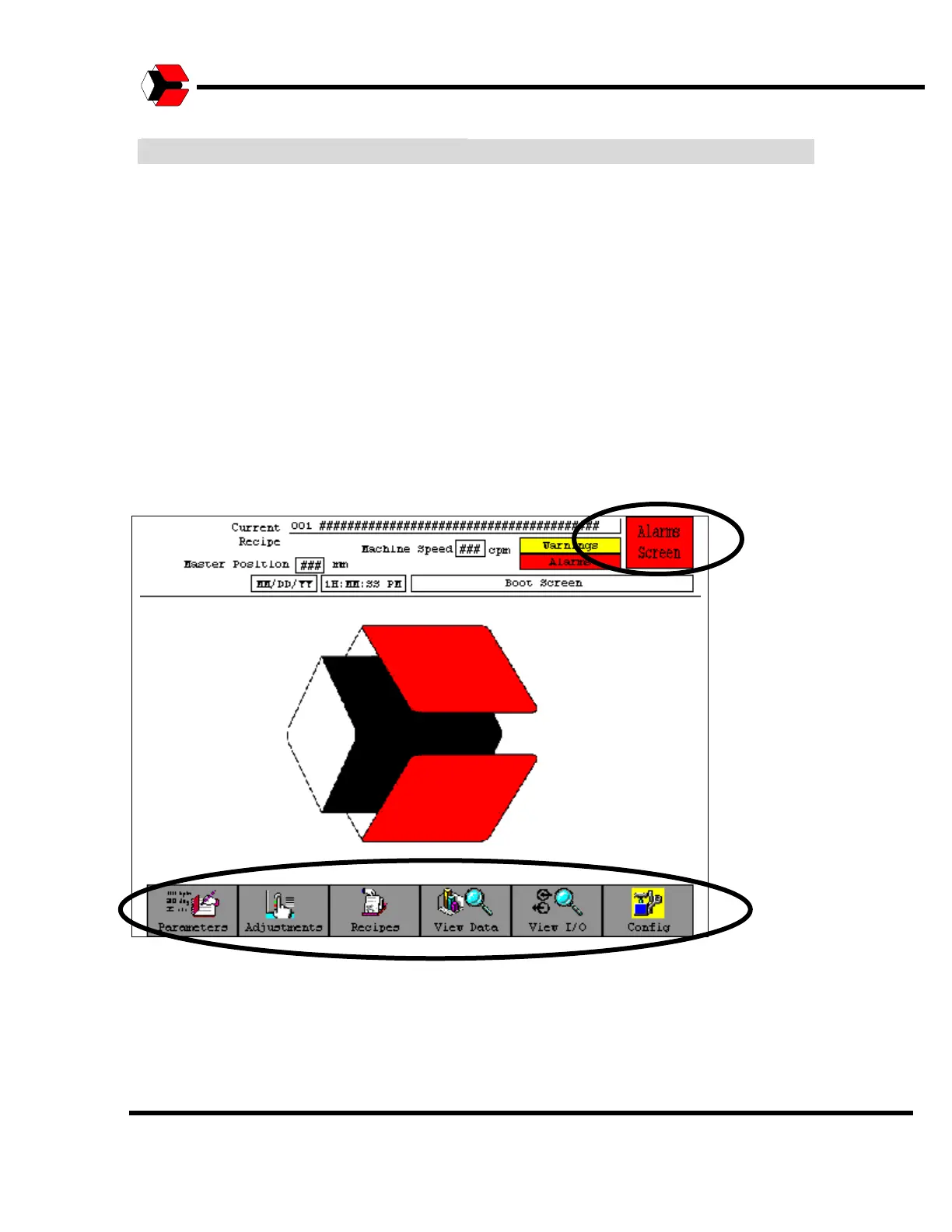
The HMI Menu Tree consists of several sections. The sections are accessed
through the Menu Tree located along the edge of the touchscreen.
The sections of the HMI Menu Tree are as follows:
Parameters
Adjustments
Recipes
View Data
View I/O
Alarms
The Config. Button allows access to the PanelView setup.
Figure 5.3
Shows the items on the Menu Tree.



 To Next Page