Rovema CMK Operator’s Manual
Section 5: Operator Controls
200246 CMK Operators Manual (02/06/2006) 5-48
HMI (Human-Machine-Interface)
View I/O Screens
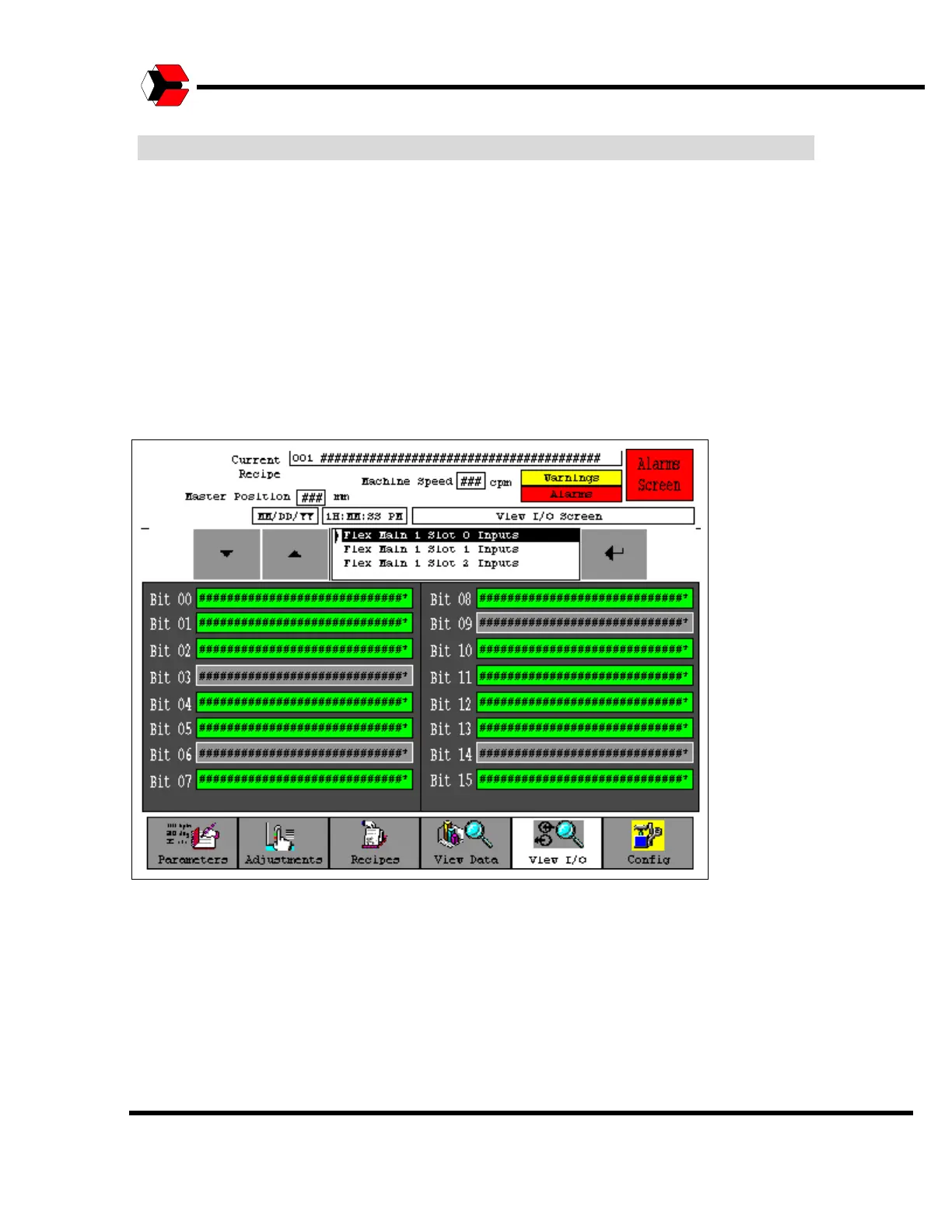
Operator and Maintenance personnel are able to view the current status of all
general-purpose discrete inputs (e.g. sensors) and outputs (e.g. solenoid valves) on
the machine.
Inputs and outputs that are ON will be displayed in green while those that are OFF
will be gray.
The I/O screens provide an excellent means of troubleshooting issues with the
machine.
Figure 5.55
Typical I/O Screen



 To Next Page