Rovema CMK Operator’s Manual
Section 9: Troubleshooting
200246 CMK Operators Manual (02/06/2006) 9-1
Section 9: Troubleshooting
Alarm Banner
Alarm messages appear on the Operator Interface immediately after the alarm
occurs, regardless of the operating state of the machine. The alarm text is a
description of the alarm condition in plain language.
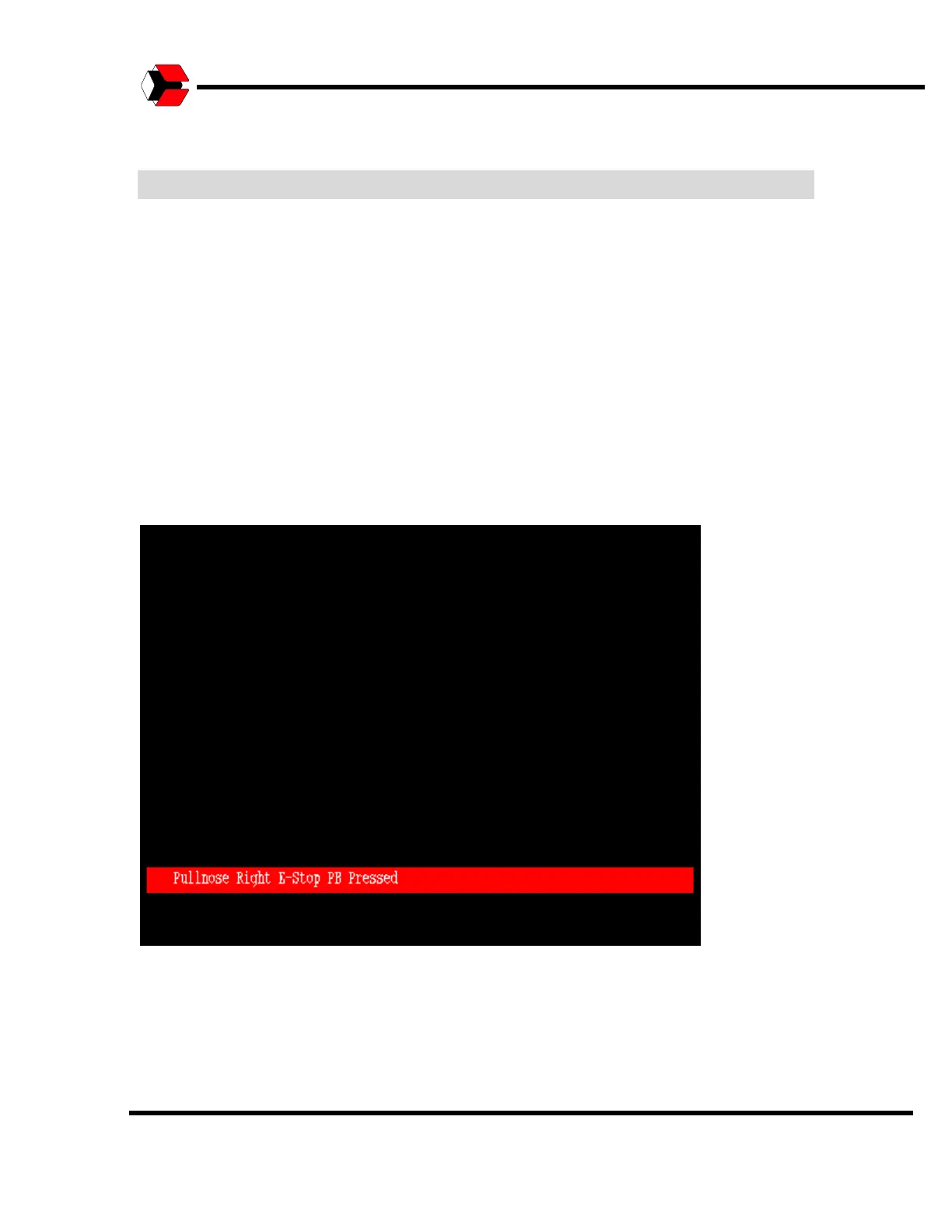
When an alarm is present, the Alarm Banner will be displayed at the bottom of the
current Operator Interface screen. The Alarm Banner shows only one alarm, even if
multiple alarms are present. The intention of the Alarm Banner is to alert the
operator to the fact that alarms exist, not necessarily to give an accounting of all
alarms.
Figure 9.1
Shows a sample Alarm banner.



 To Next Page