Rovema CMK Operator’s Manual
Section 7: Working with Components
200246 CMK Operators Manual (02/06/2006) 7-41
Bucket Conveyor
Conveyor Adjustments:
• Activate the corresponding JOG button
• Move the conveyor to its base setting:
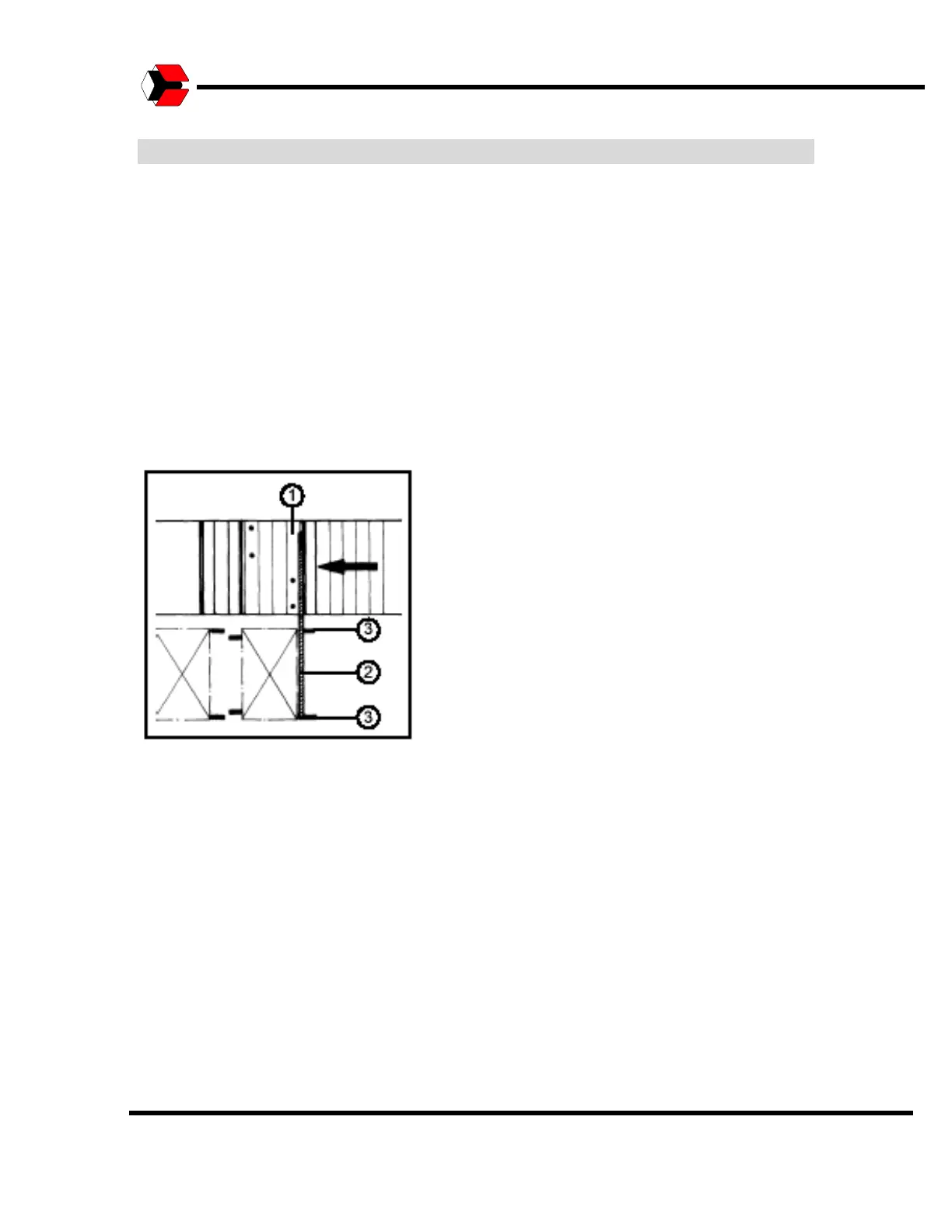
• The fixed side of the buckets (1) (the bucket wall) lines up exactly (2) with
the fixed drivers (3) of the carton chain.
• Tighten the 6 fastening screws on the clamping sleeve with a torque
wrench. They should all be tightened to a torque of 8 Nm.
After you are finished with the adjustment, check all positions of the base setting.
The position can be seen on the display as a display of actual position. It
corresponds to angle position 0° (zero degrees).
Figure 7.33
Conveyor adjustments.



 To Next Page