Rovema CMK Operator’s Manual
Section 7: Working with Components
200246 CMK Operators Manual (02/06/2006) 7-3
Change Over and Adjustments
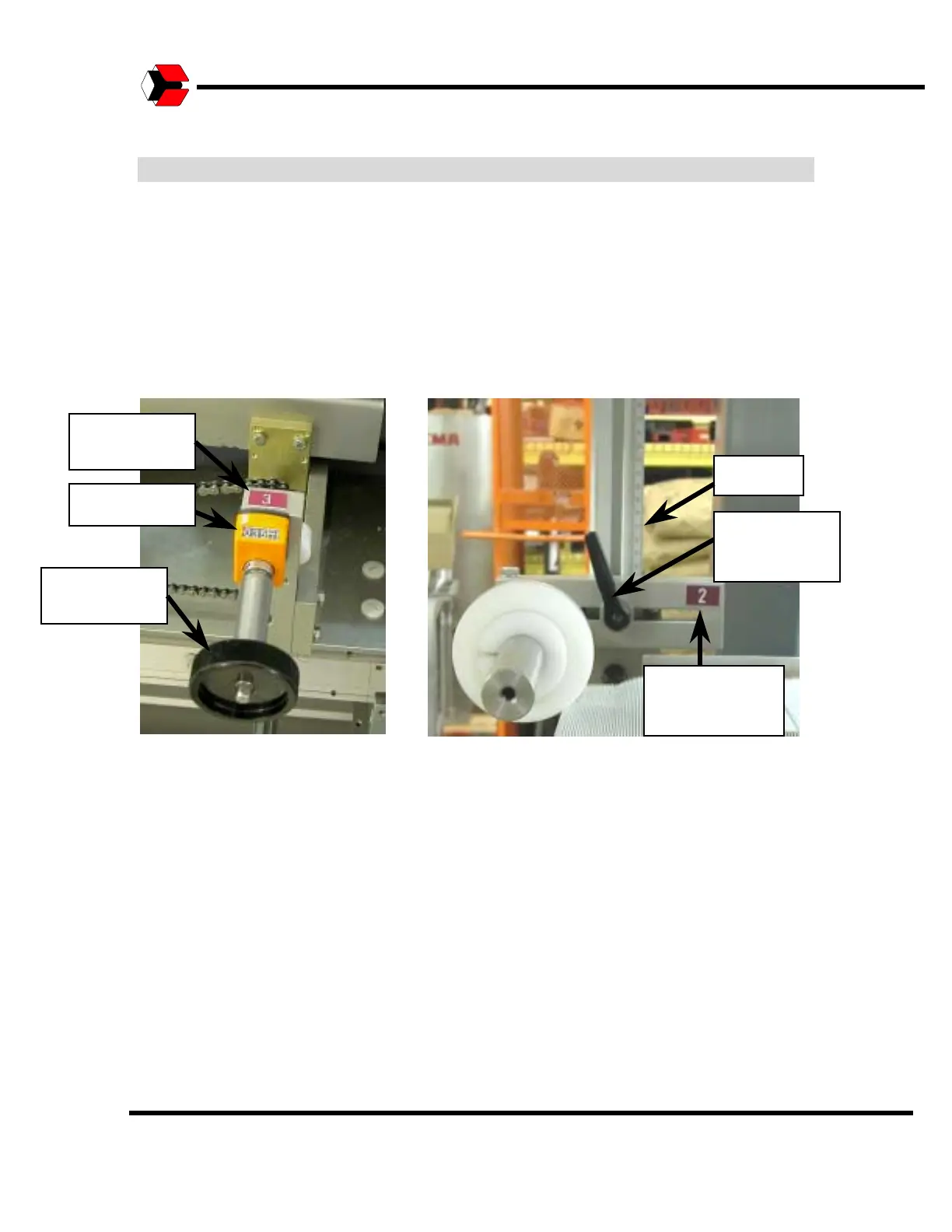
Adjusting Dimensions on Dials and Scales
Dimensions may be set at the setting positions on the spindle dial. To adjust this
setting, fit the hand wheel (included with delivery) onto the setting indicators
knob. Turning the hand wheel moves the front guides forward and backward to
adjust the magazine narrower or wider. Turn the hand wheel until the dimension
(in millimeters) appears in the display of the corresponding setting position.
Figure 7.2
Example of dials and scales.
Scale
Adjustment
Number
Adjustment
Handle
Dial Setting
Adjustment
Number
Adjustment
Handle



 To Next Page